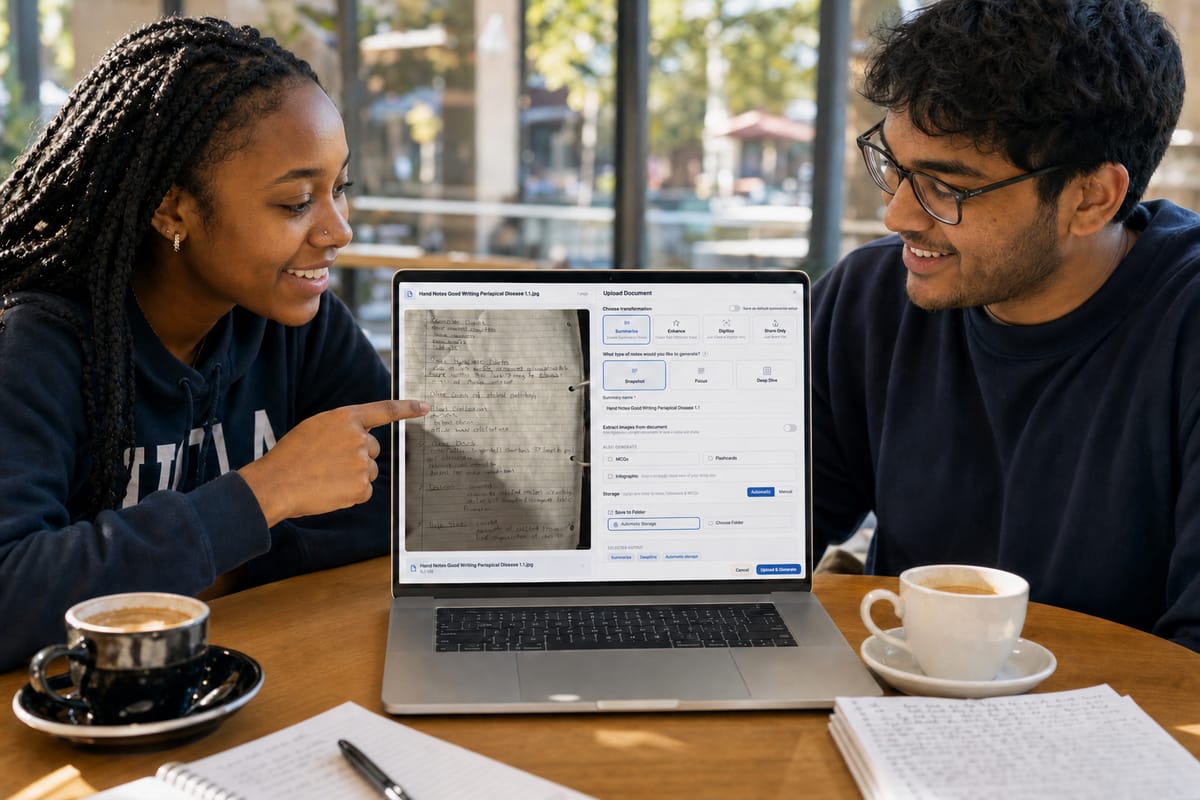
Turn any notes, PDF or lecture into study notes
Upload what your course gives you, from lecture slides and PDFs to photos of handwritten notes, YouTube lectures and recordings. Then choose what BrightStudy does with it: a faithful digital copy, a summary or a fuller set of revision notes.
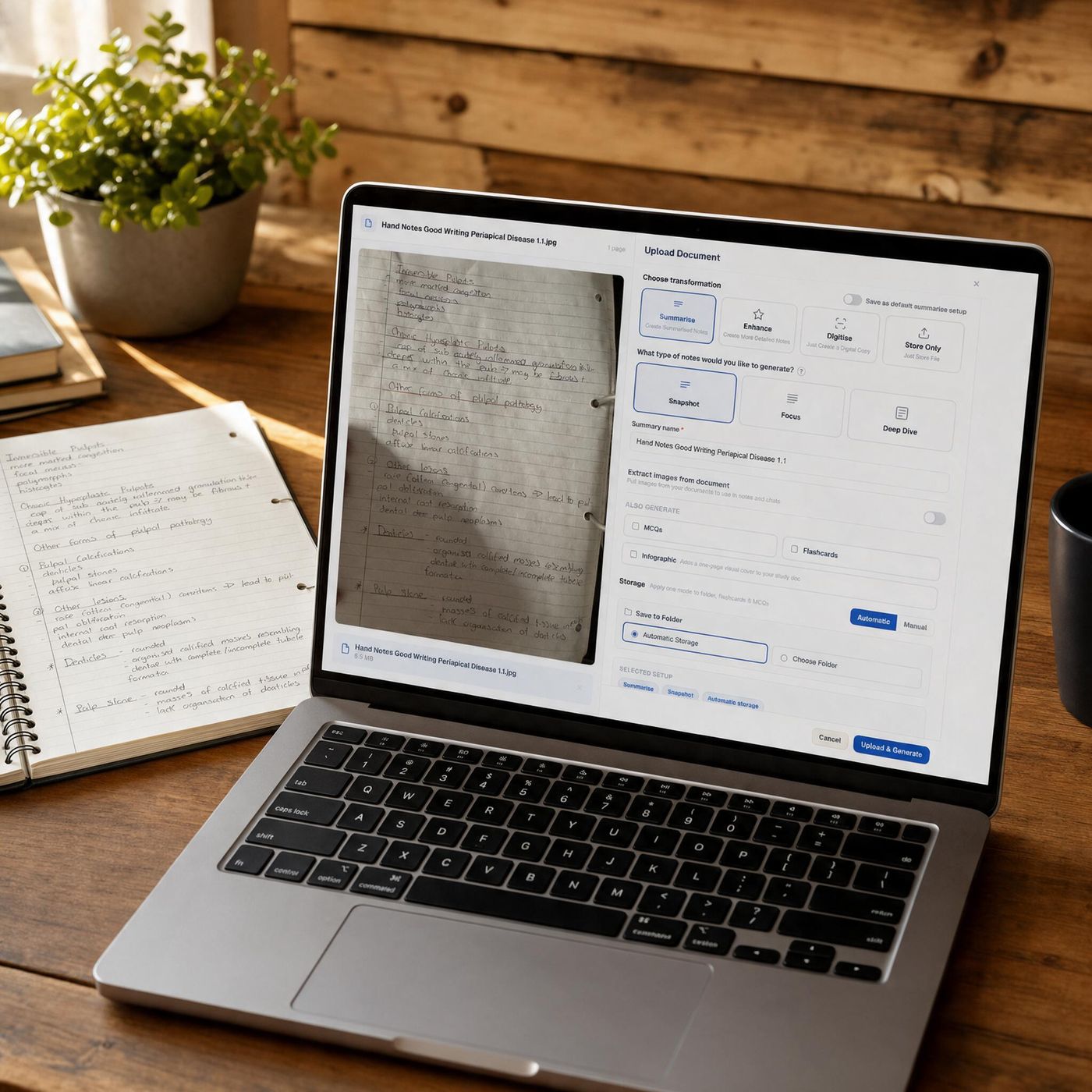
Step one: bring it in
Bring in everything your course gives you
Slides, PDFs, Word documents, photos of the whiteboard, your own handwritten pages and lectures on video: BrightStudy takes all of them through one upload page, so your revision starts from one place.
Upload files
PDF, Word (.docx), PowerPoint (.ppt, .pptx), images (JPG, PNG) and plain text, up to 50 MB each.
Scan notes
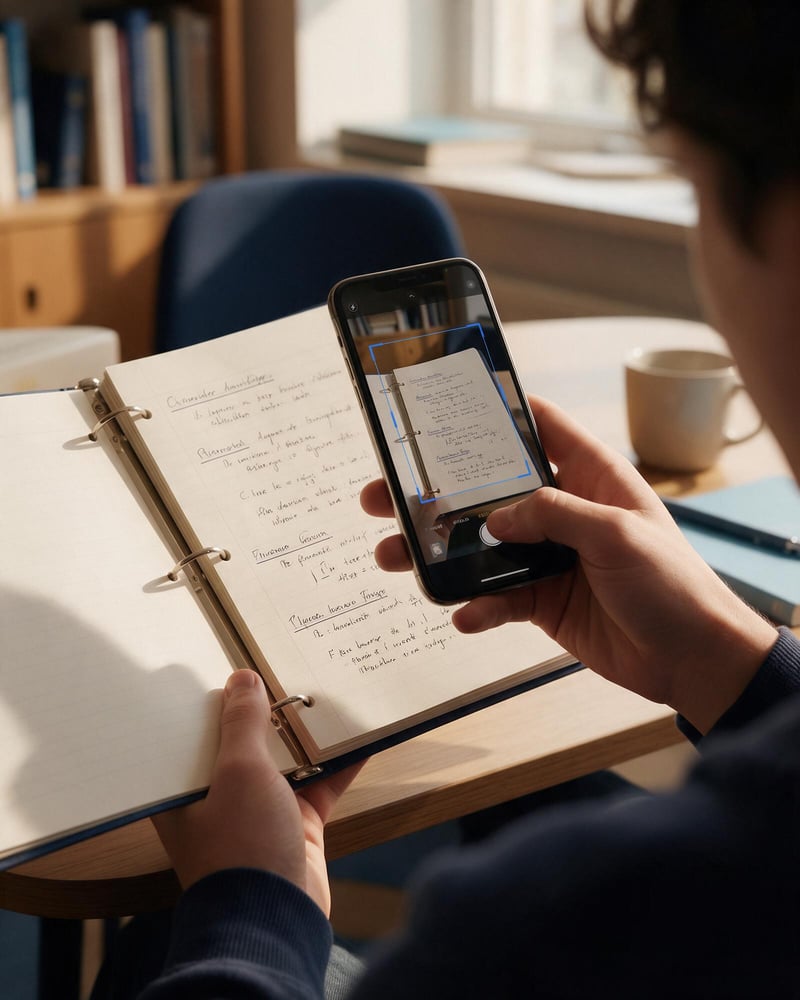
Use your phone or laptop camera to capture handwritten or printed pages one after another. They are combined into a single document.
YouTube
Paste a video link and BrightStudy works from the video’s transcript.
Record audio
Record a lecture or voice note in the browser, or upload MP3, WAV, M4A, MP4, WEBM, OGG or AAC. Speech is transcribed before notes are made.
Import Anki
Bring existing flashcard decks across, including their review history. See spaced repetition.
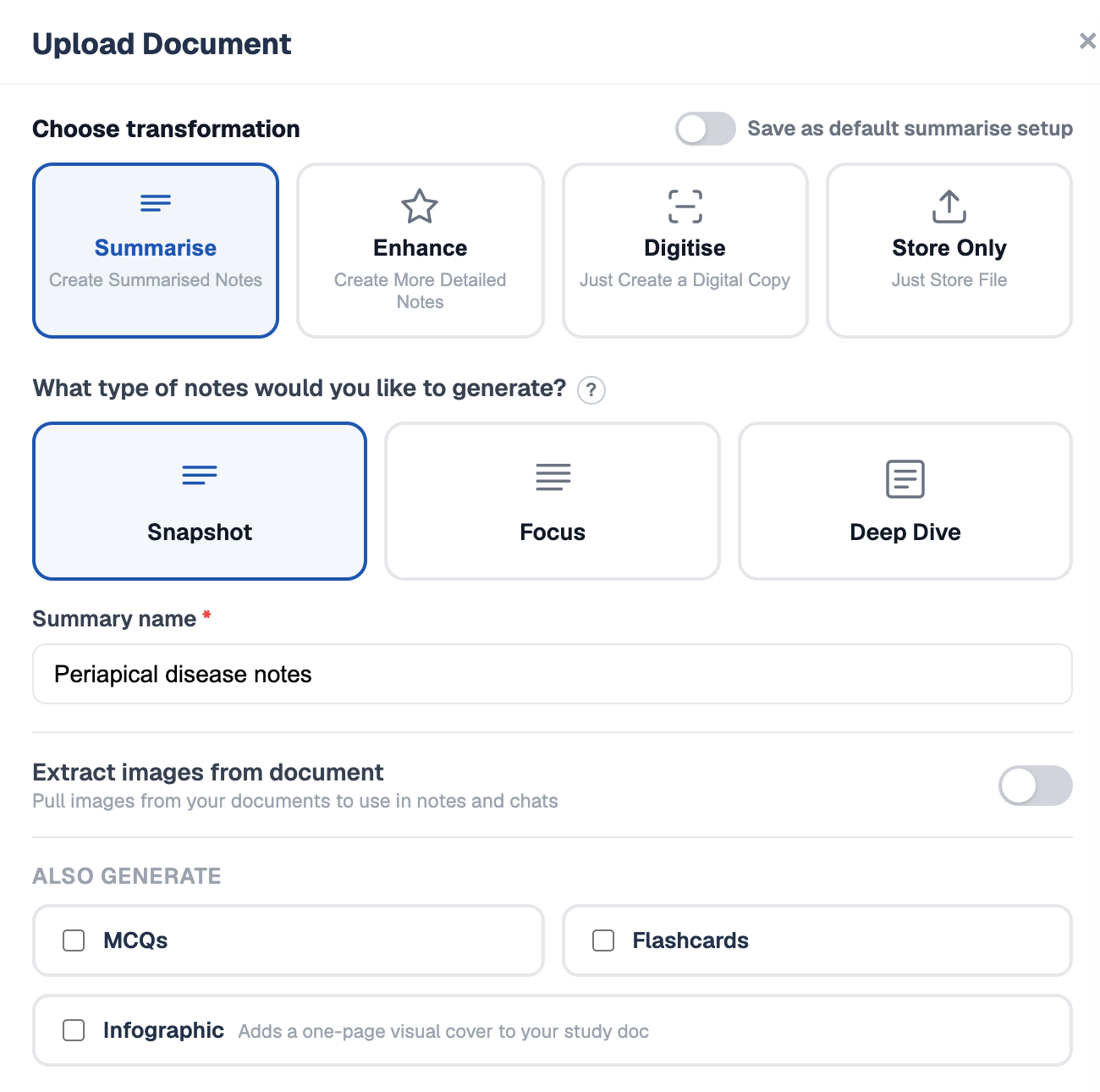
Choose what happens to it: four options
After you add a file, the upload window shows a preview and four choices. Each one produces something different, so pick the one that matches what you need from that document.
01
Digitise
Turns a photo, scan or PDF into clean, structured, editable text that stays faithful to the original. Nothing is rewritten or left out.
02
Summarise
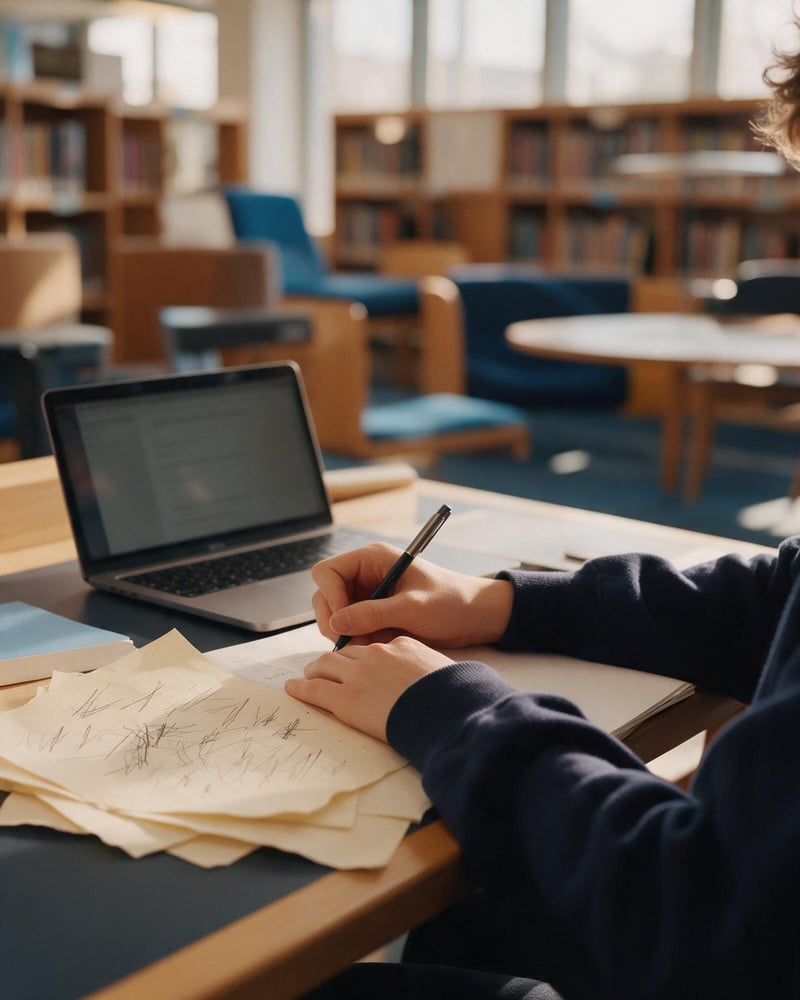
Condenses the material into study notes at the depth you choose: Snapshot, Focus or Deep Dive.
03
Enhance
Improves your notes instead of shortening them, from a light Polish to a full Transform, or a Custom mix of improvements.
04
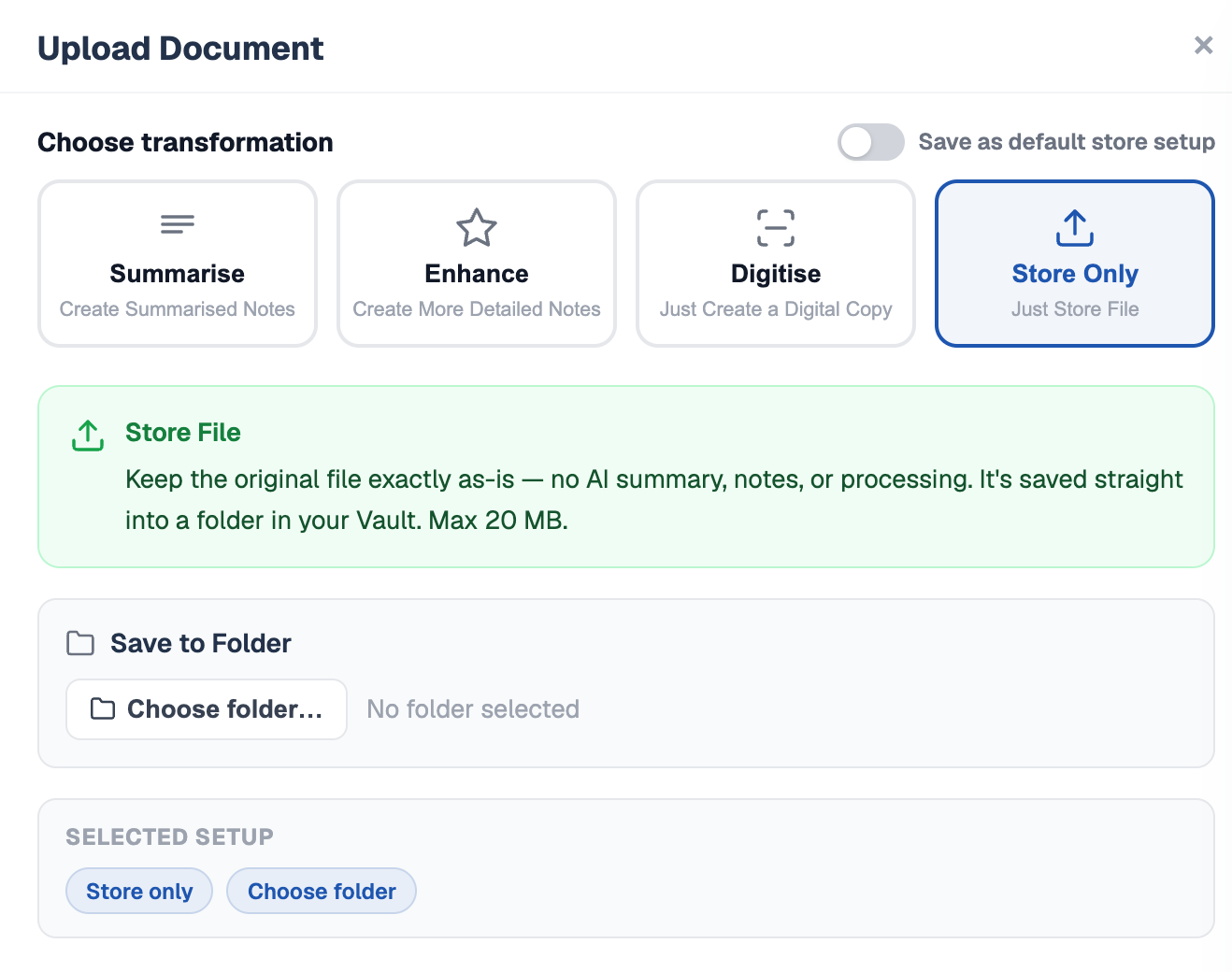
Store only
Keeps the original exactly as it is in your Vault, with no AI processing. Useful for timetables, forms and reference files.
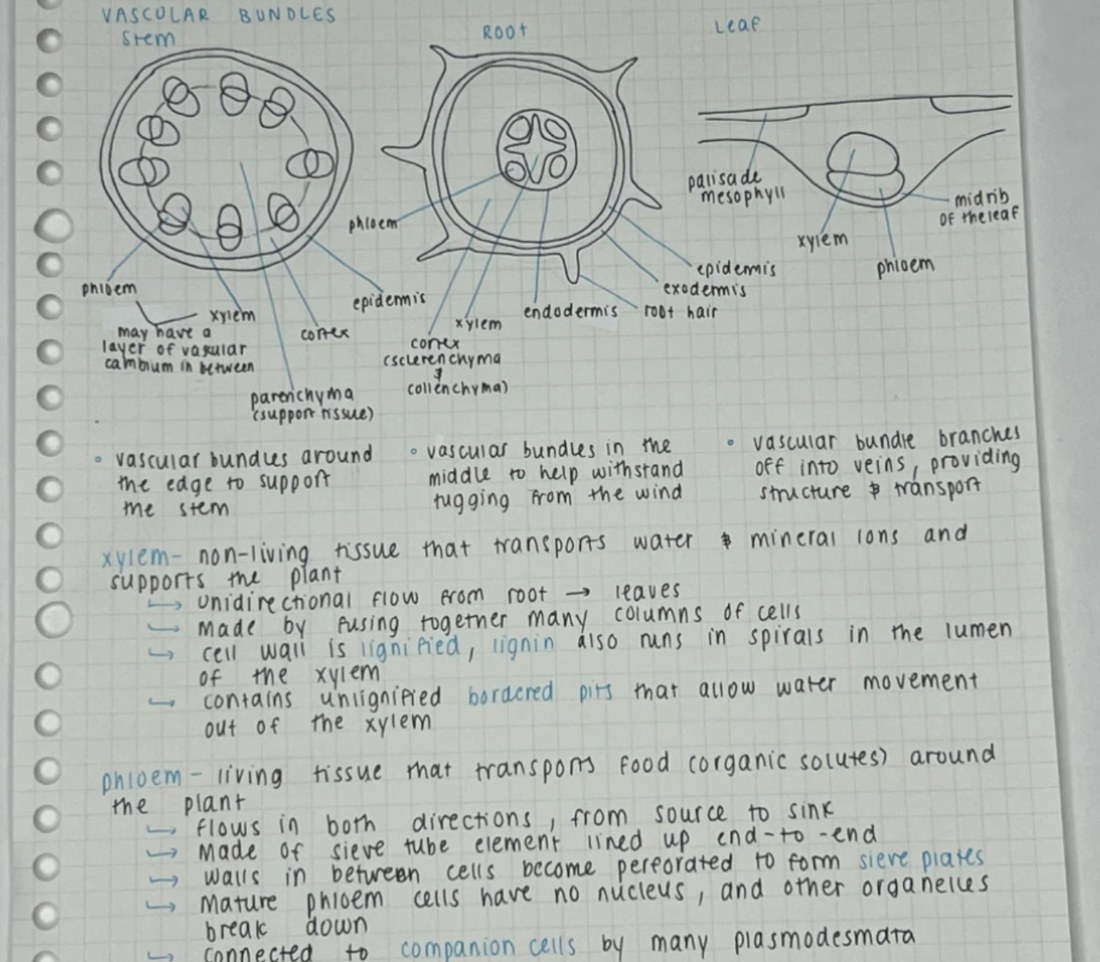
Handwritten notes, now editable text
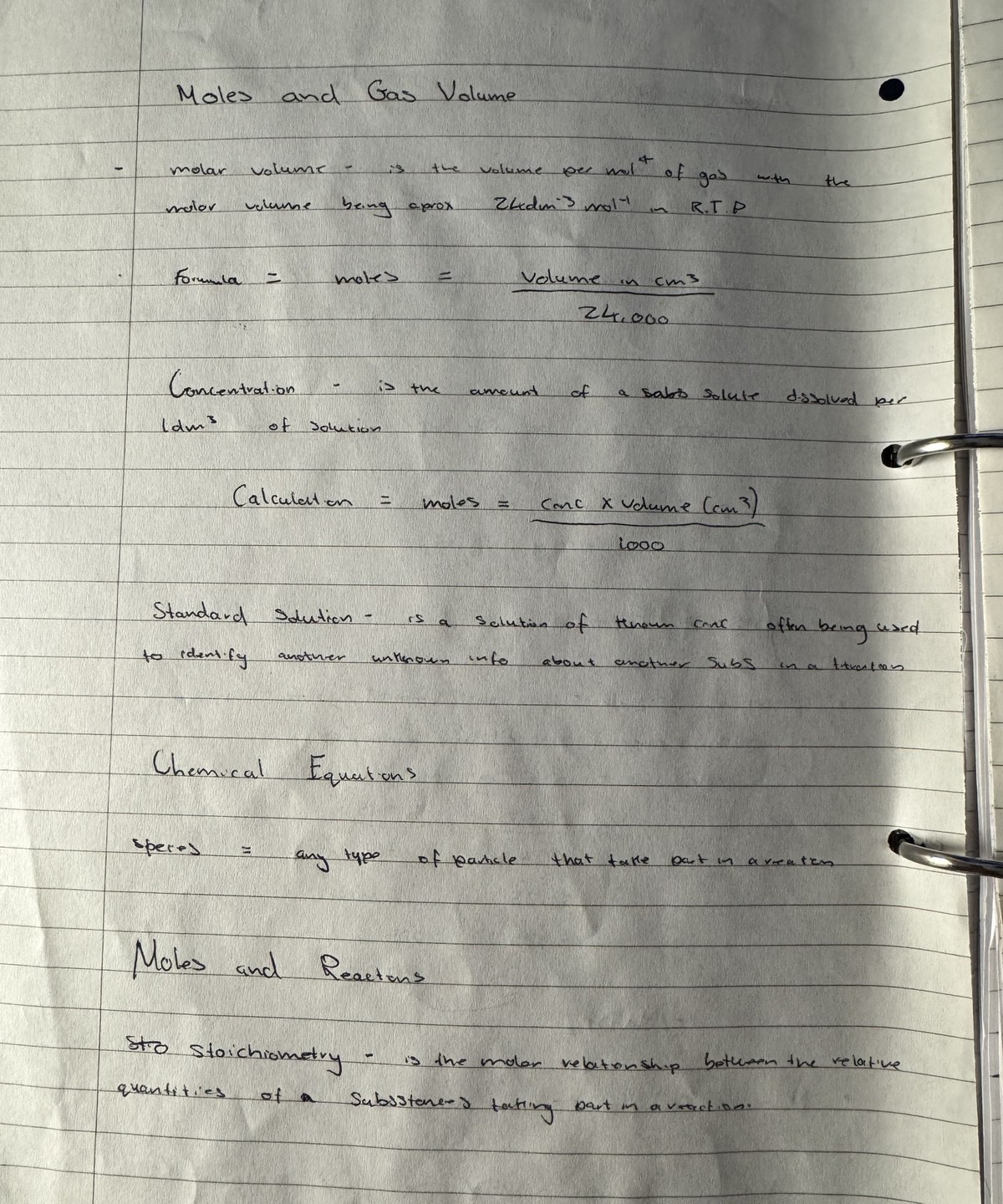
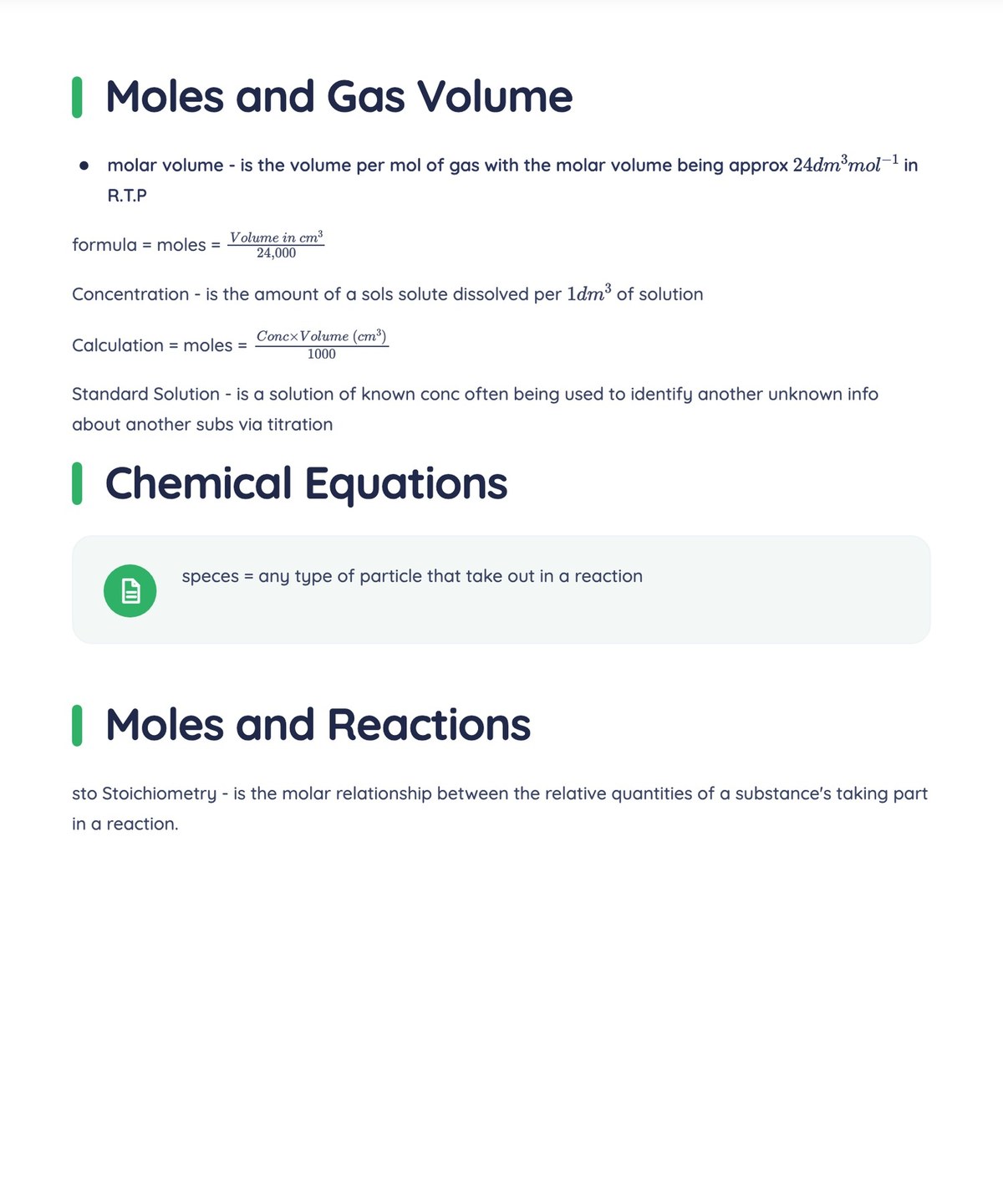
Digitise is for when you want your own notes, exactly as you wrote them, in digital form. Snap a handwritten page, a printed handout or a scanned PDF and BrightStudy rebuilds it as a clean document.
A faithful copy
Headings, lists and paragraphs as you wrote them. Nothing is rewritten or left out.
Formulas and diagrams
Maths comes through as proper notation. Turn on Extract images and figures are placed in the text, or redrawn cleanly by AI.
Ready to study
Opens as an editable Study Doc in your chosen folder. Tick MCQs or Flashcards to practise from it straight away.
 Your handwritingDigitised
Drag to compare
Long lectures, short, sharp notes
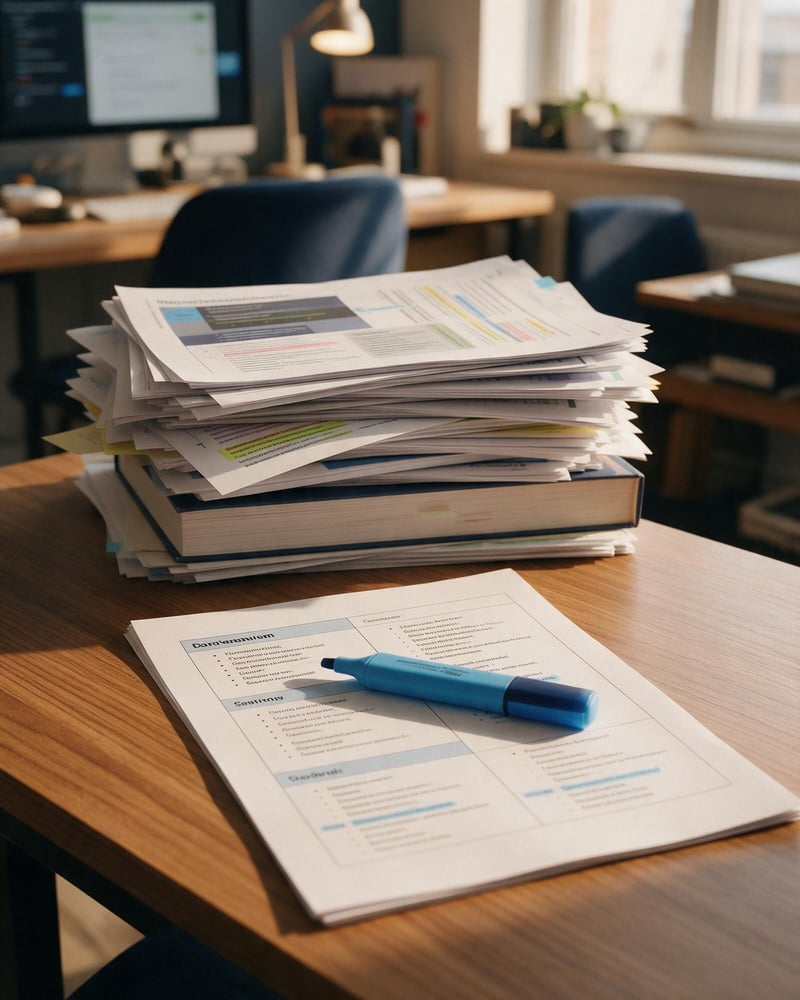
An AI note summariser that reads the whole document, keeps what matters and drops the rest. It works on a 40-slide lecture deck, a journal paper, a textbook chapter or a page of scribbled notes, and you choose how much detail you want.
Every summary includes
Your lecture slide
Mitochondria generate ATP through aerobic respiration. They have a double membrane; the inner membrane folds into cristae, which increase the surface area available for the electron transport chain.
Snapshot
- Mitochondria = the cell’s ATP factories. Double membrane; inner folds (cristae) boost surface area for energy production.
Focus
- Mitochondria produce ATP via aerobic respiration.
- They are wrapped in a double membrane.
- The inner membrane folds into cristae.
- Cristae increase surface area for the electron transport chain.
Deep Dive
- Mitochondria are the site of aerobic respiration and produce most cellular ATP. The inner membrane is highly folded into cristae, which multiply the surface area available to the electron transport chain.
- More cristae means more capacity for ATP synthesis, which is why energy-hungry cells such as muscle and neurones are packed with mitochondria.
Rough notes in, revision notes out
Enhance is for notes that are yours but not yet good enough to revise from: shorthand from a fast lecture, half-finished bullet points, a sketchy diagram. Instead of shortening them, Enhance improves them, and can redraw your diagrams as clean, labelled figures.
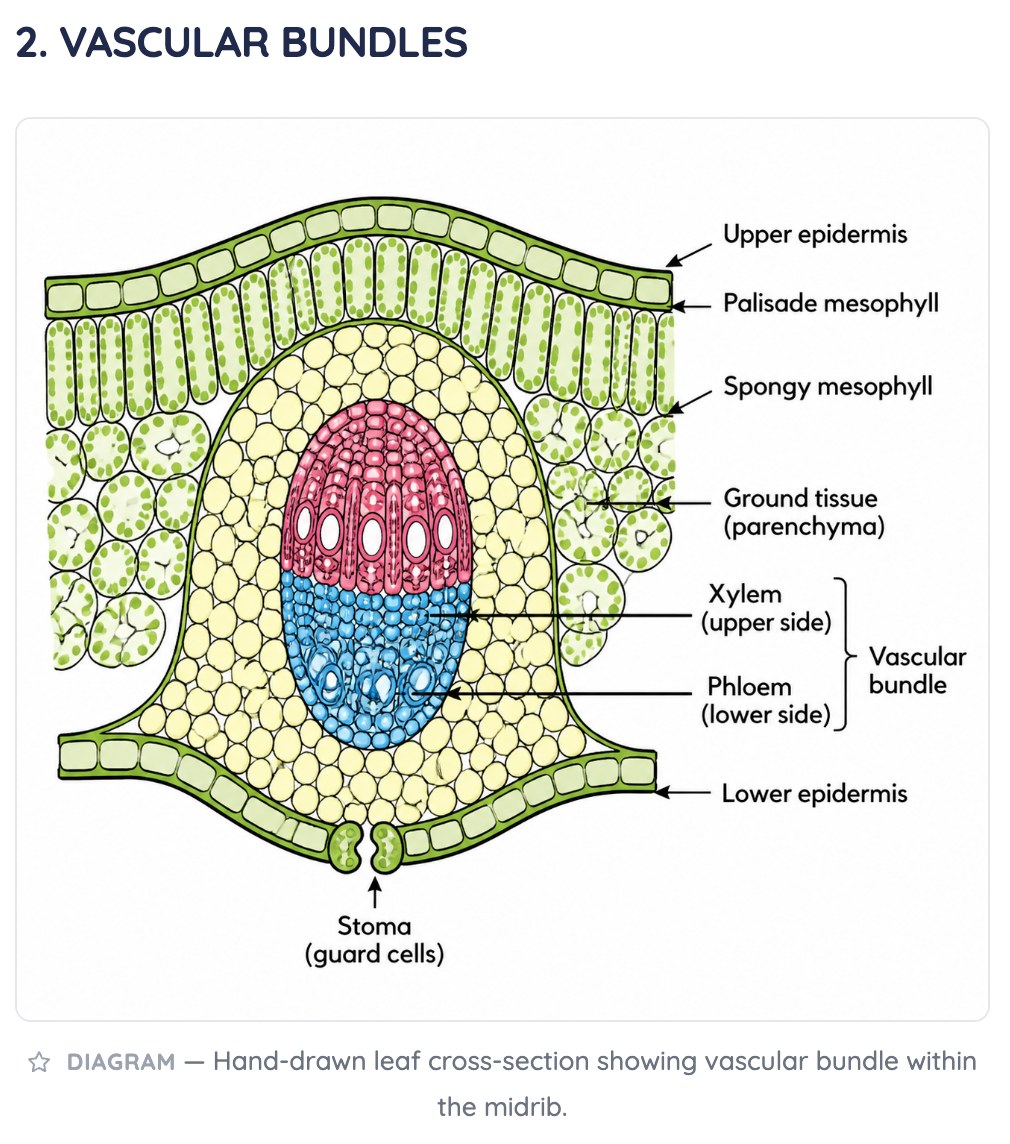
Polish
Tidies formatting and fixes typos. Keeps your wording.
Mitochondria — the powerhouse of the cell; they make ATP. Double membrane; cristae are folds of the inner membrane.
Refine
Stronger revision material with fuller sentences.
Mitochondria produce ATP through aerobic respiration. The inner membrane folds into cristae — extra surface area that increases energy output.
Transform
High-quality study notes with structure and exam tips.
Role: produce ATP. Structure: double membrane, folded cristae. Exam tip: link cristae density to energy demand in muscle cells.
Custom
Pick exactly what to apply to your notes.
Digitise, Summarise or Enhance? Start with what you have
All three give you an editable Study Doc. The difference is how much of your original wording they keep.
Store only
Choose it if
You just need the file kept safe.
You get
The original file, untouched, in a folder in your Vault.
See how it works ↓Digitise
Choose it if
You want your handwritten or printed notes searchable and editable, exactly as they are.
You get
A faithful digital copy. Nothing added, nothing removed.
See how it works ↓Enhance
Choose it if
Your notes are rough, brief or full of shorthand.
You get
Your content, improved: clearer wording, structure, examples and mnemonics.
See how it works ↓Summarise
Choose it if
The source is long: slides, papers, chapters or lectures.
You get
Just the essentials, from a quick Snapshot to a full Deep Dive.
See how it works ↓Flashcards, MCQs and an infographic from the same upload
Under Also generate, tick what else you want made from the document at the same time:
- Flashcards: question-and-answer cards for active recall, ready to study with spaced repetition.
- MCQs: exam-style multiple-choice questions with explanations. They get harder as you improve: see adaptive MCQs.
- Infographic (Summarise and Enhance): a one-page visual cover for your notes. Premium graphics add an AI-illustrated hero image, with a limited number of uses per day.
Where it all goes
Choose Automatic storage and BrightStudy suggests a folder for the notes and a deck for the cards and questions. Choose Manual to pick them yourself. Switch on Save as default and the same setup is ready next time you upload.
From upload to revision in five steps
Most documents are ready in a couple of minutes, and you can cancel at any time.
- 1
Choose a source
Upload files, scan pages, paste a YouTube link, record audio or import Anki. Add several documents at once and set each one up separately.
- 2
Pick an option
Digitise, Summarise, Enhance or Store, and its level. Each has a “?” that shows a worked example first.
- 3
Add extras
Tick MCQs, flashcards or an infographic, and turn on image extraction if the document has diagrams.
- 4
Let BrightStudy work
A progress screen shows each part being made, one by one.
- 5
Open your Study Doc
Flashcards, MCQs and the original file are one click away. Edit anything and compare with the original side by side.
Keep the original, always
Whatever you choose, your original file is kept. In any Study Doc, the Original Doc button opens the source next to your notes, whether it is a photo, PDF, Word file, recording with transcript or YouTube video, so you can check a detail against what you were given. You can download the original at any time.
If a file does not need AI at all, choose Store only. It goes straight into a folder in your Vault as it is, up to 20 MB.
What you can do with your new notes
Every upload becomes part of one study system: notes to edit, cards to review, questions to practise and a Vault to keep it all.
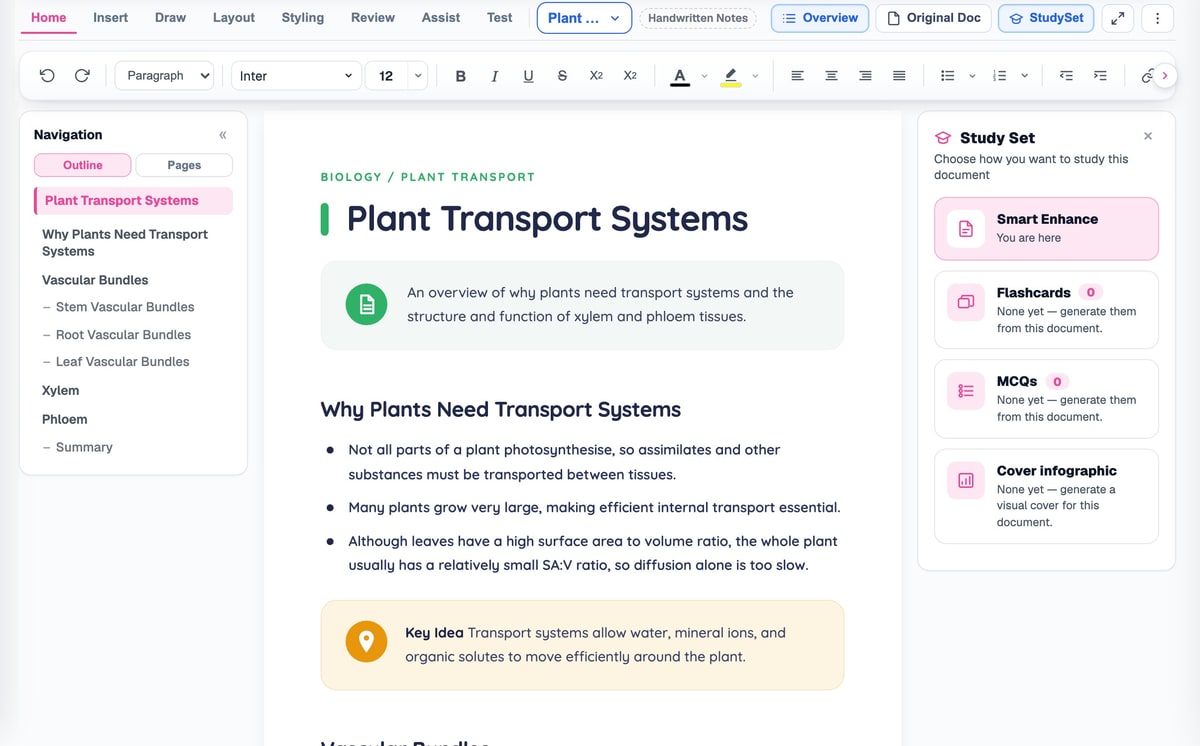
Edit like a document
Study Docs are fully editable: fonts, headings, tables, images, callouts and page layout, with your flashcards and MCQs one click away.
Find it later
Every upload, Study Doc and original lives in your Vault, in folders you control.
The Vault →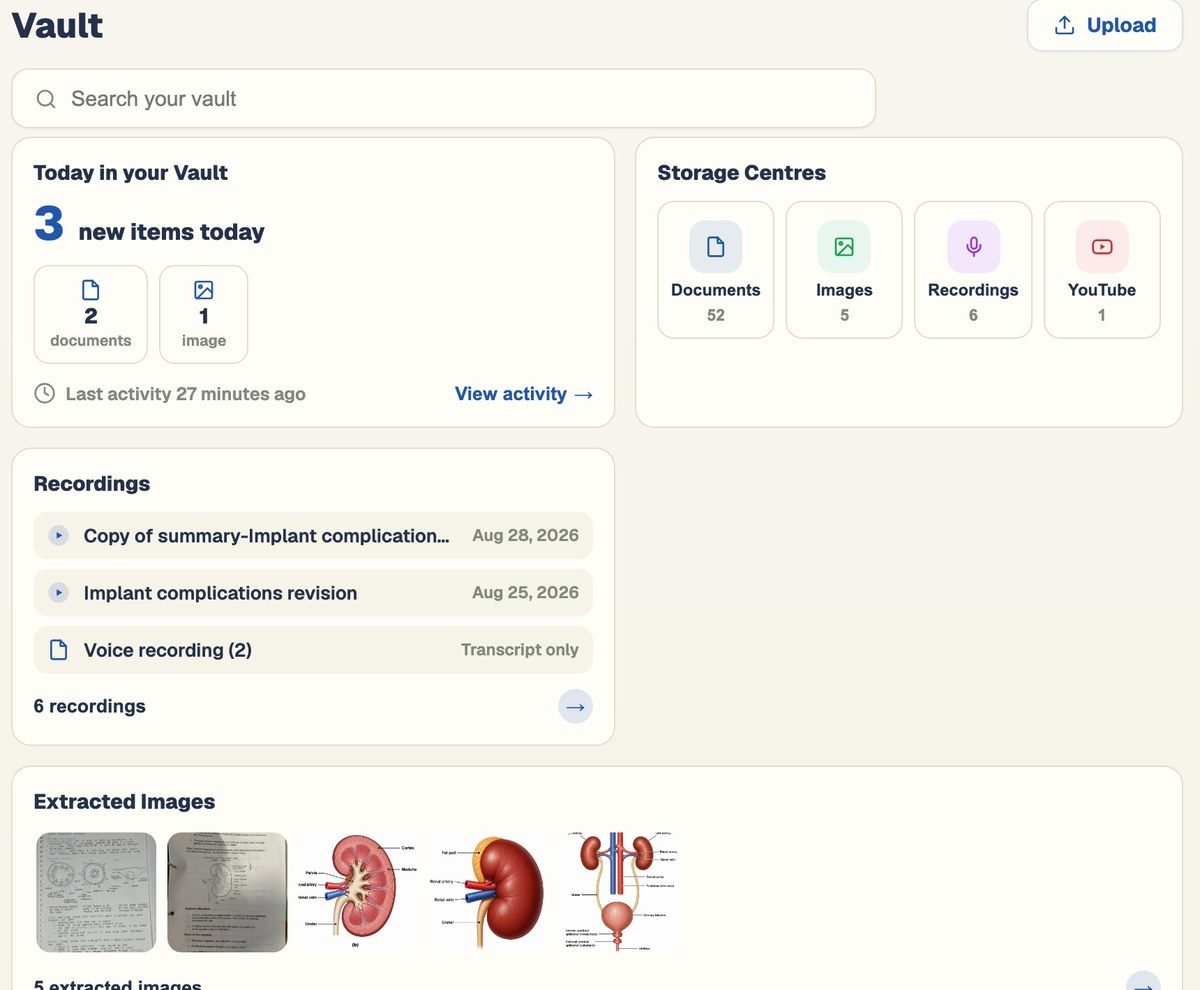
Revise with flashcards
Cards come back just before you would forget them, scheduled with spaced repetition.
Spaced repetition →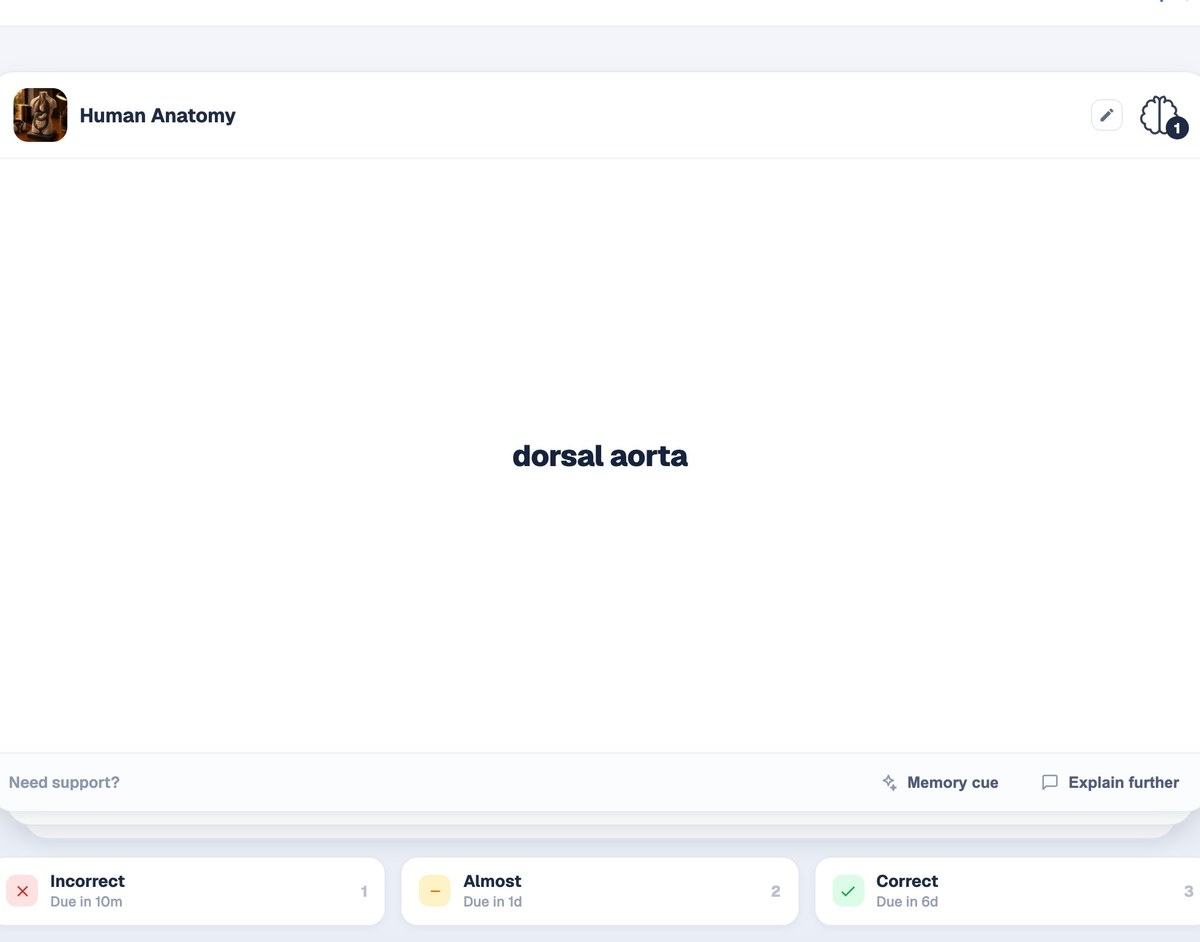
Practise with questions
Answer exam-style MCQs and earn fresh versions of each question as you master it.
Adaptive MCQs →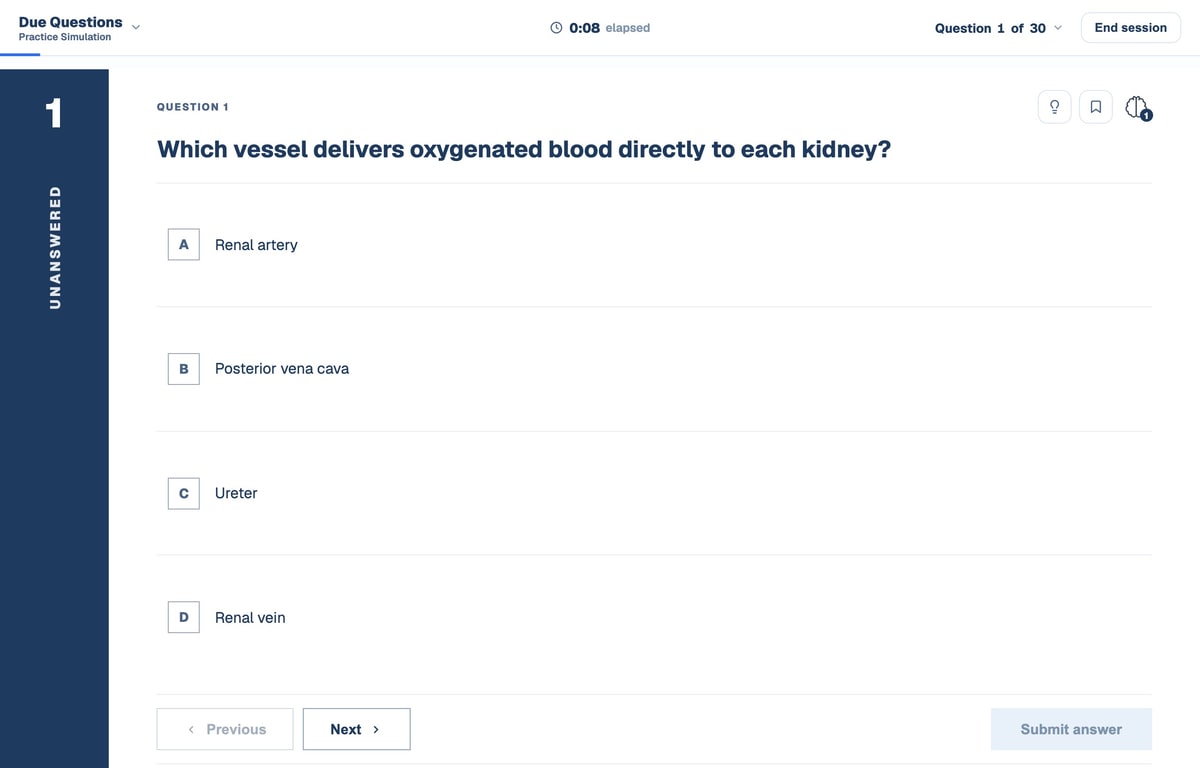
Questions, answered
Questions about uploading and transforming notes. Everything students ask before their first upload.
Try BrightStudy free and upload your first document, or email us at support@brightstudy.ai.
Can BrightStudy convert handwritten notes to text?
What is the difference between Digitise, Summarise and Enhance?
What file types can I upload?
Can I turn a YouTube lecture into notes?
Can I record a lecture and get notes from it?
Can I upload several documents at once?
Can I edit the notes afterwards?
Is uploading free?
Explore the rest of BrightStudy
Move across the strips · tap one to explore
 Study DocsStructured notes you can read, edit and study from.Learn more →
 YouTube LearningTurn video lessons into study materials.Learn more →
 RecordingsRecord or upload audio for your learning.Learn more →
 Image ExtractionBring the figures from your documents into your notes.Learn more →
 Manual CreationWrite your own notes, flashcards and MCQs.Learn more →
 FlashcardsActive recall with focused question-and-answer cards.Learn more →
 MCQsExam-style questions with answer explanations.Learn more →
Upload once. Study from it all term.
Turn the pile of slides, papers and handwritten pages into notes, flashcards and questions you can actually revise from.
- Free plan to get started
- Study Docs, flashcards and MCQs
- Runs in your browser