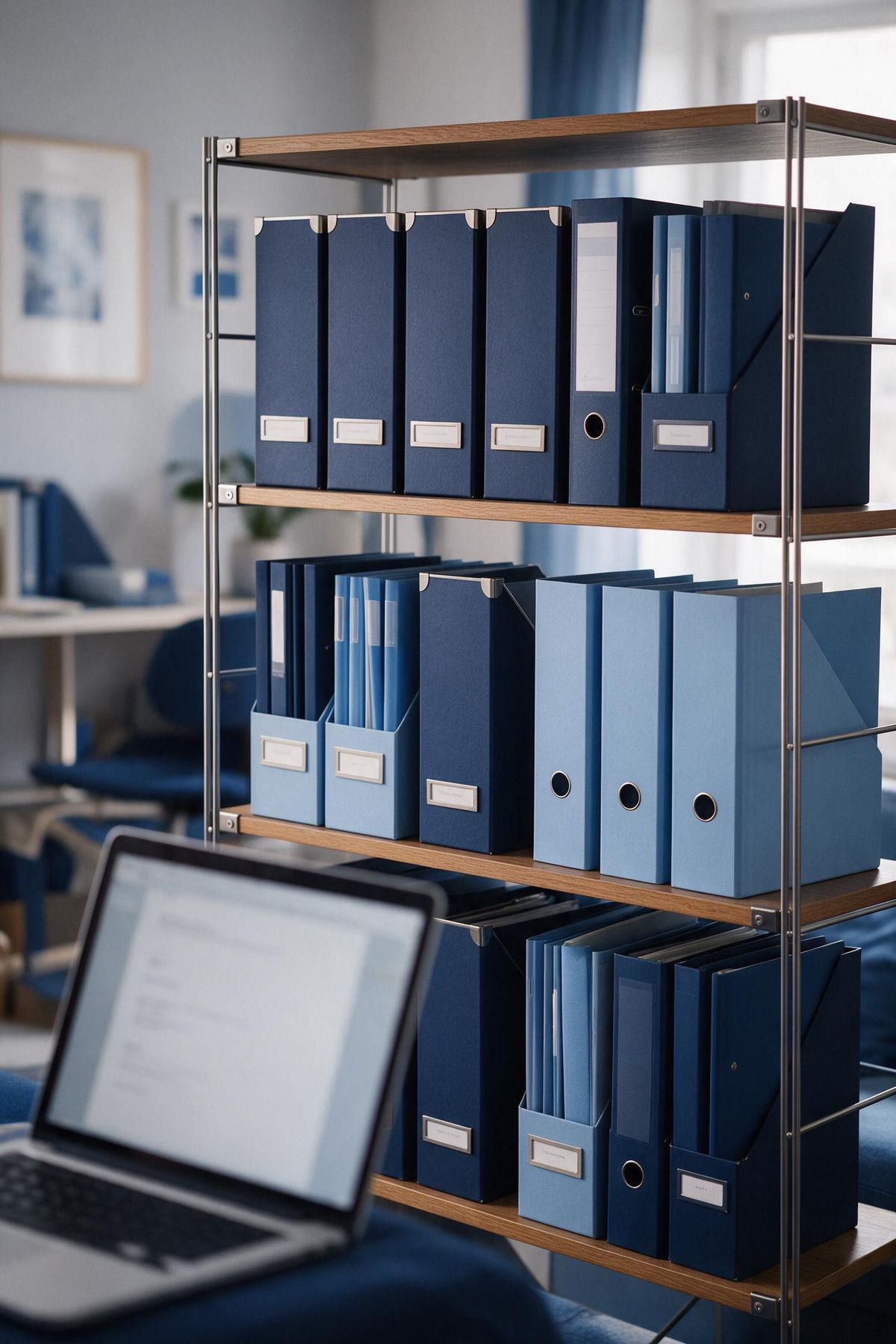
One home for everything you study
Every upload, Study Doc, image, recording and YouTube lecture lives in your Vault, in folders you control. Find anything in seconds, and get anything back for 30 days after you delete it.

Organised your way
Folders that fit how you study
Build the structure that matches your course, by module, term or exam, and BrightStudy keeps everything you make filed alongside your originals.
Folders and sub-folders
Create, rename, colour and nest folders. Drag to reorder or move one inside another.
Pin what matters
Pin folders, documents and images so they are always one click away.
Sort your way
Custom order, A to Z, recently changed, size or date added.
Today in your Vault
See what you added today and when you were last active.
Quick access
Recent items, pinned items, things friends shared and your Community Library downloads.
Four centres, one Vault
Browse by type when you know what you are looking for. Hover a card to see what each centre holds.

01
Documents
Uploads, Study Docs and stored files, with previews, status and thumbnails.

02
Images
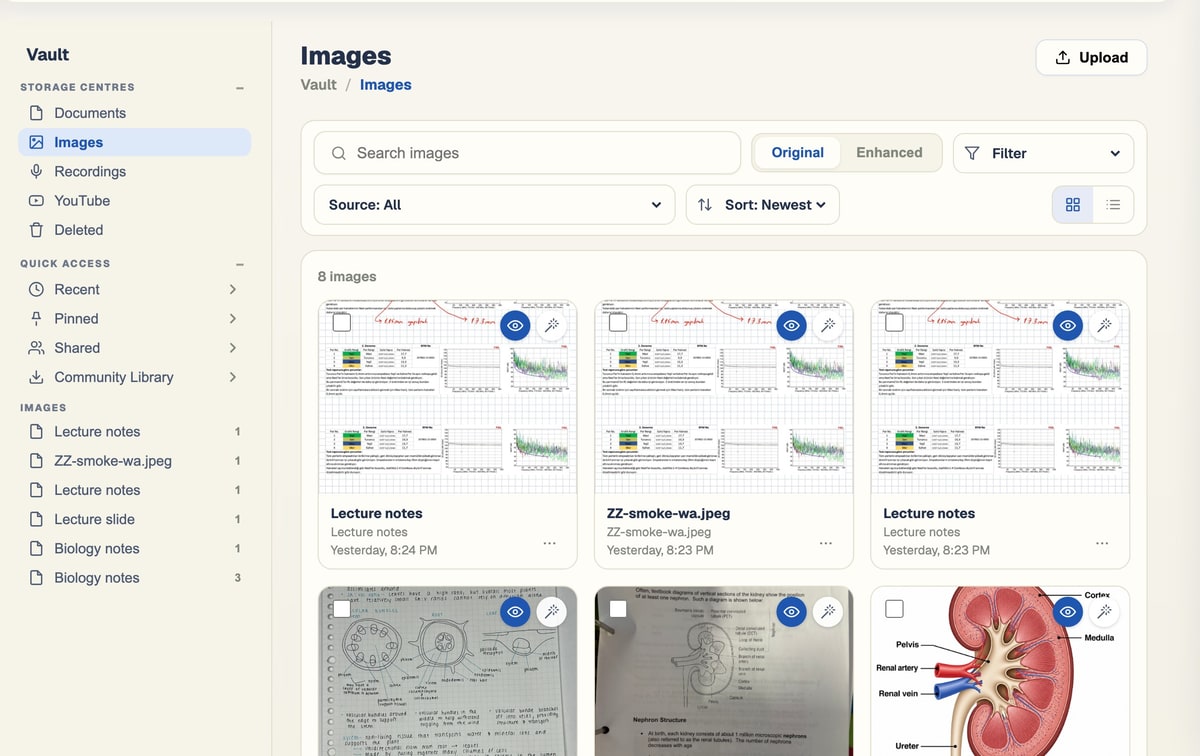
Every diagram and figure pulled from your uploads, ready to reuse.

03
Recordings
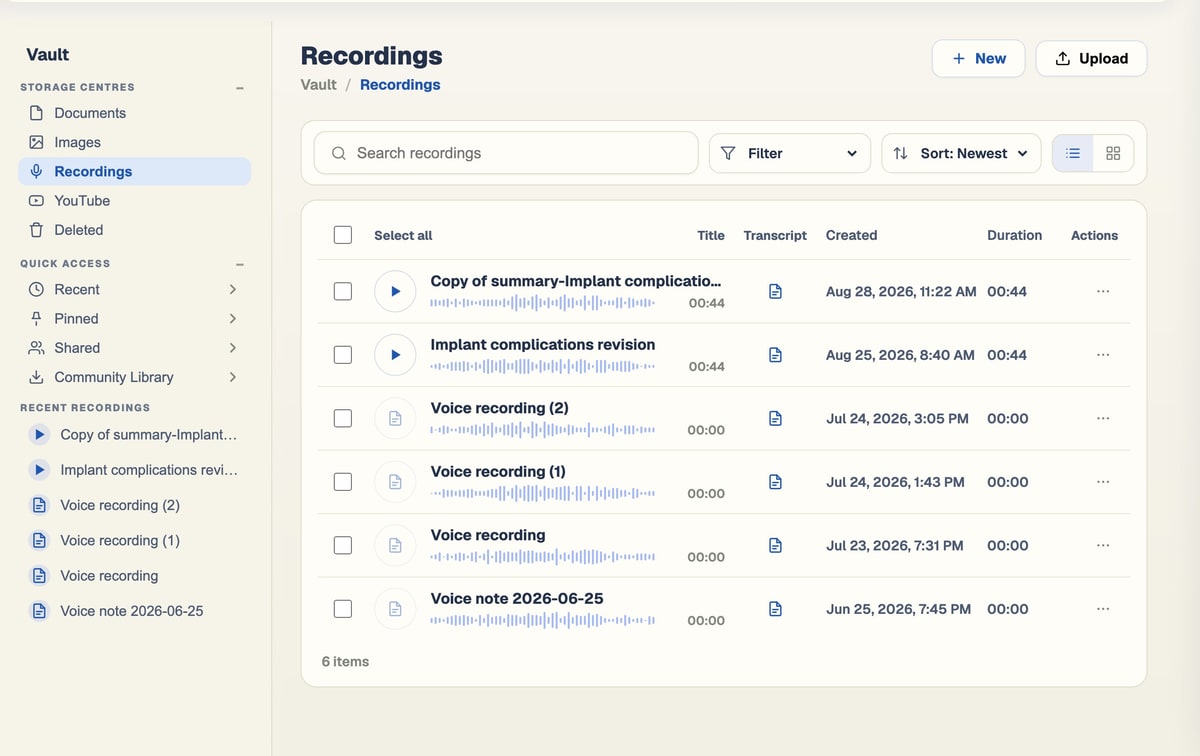
Lectures and voice notes, each with its transcript.

04
YouTube
Lectures you turned into notes, kept with their transcripts.
Everything in its place
A calm home screen, a centre for every kind of file, and a safety net for anything you delete.
Your Vault at a glance
Storage centres, today’s activity, recordings and extracted images on one screen.
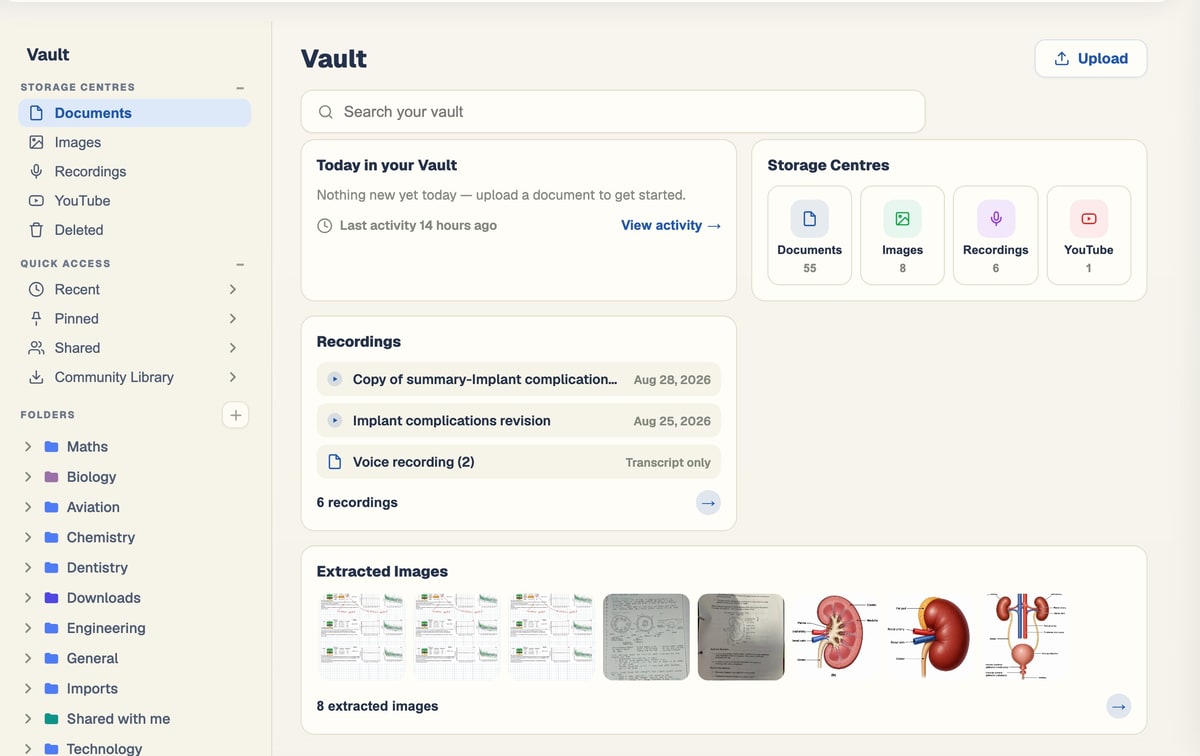
Image library
Originals and AI-enhanced versions side by side.
Recordings
Audio, transcripts and durations in one list.
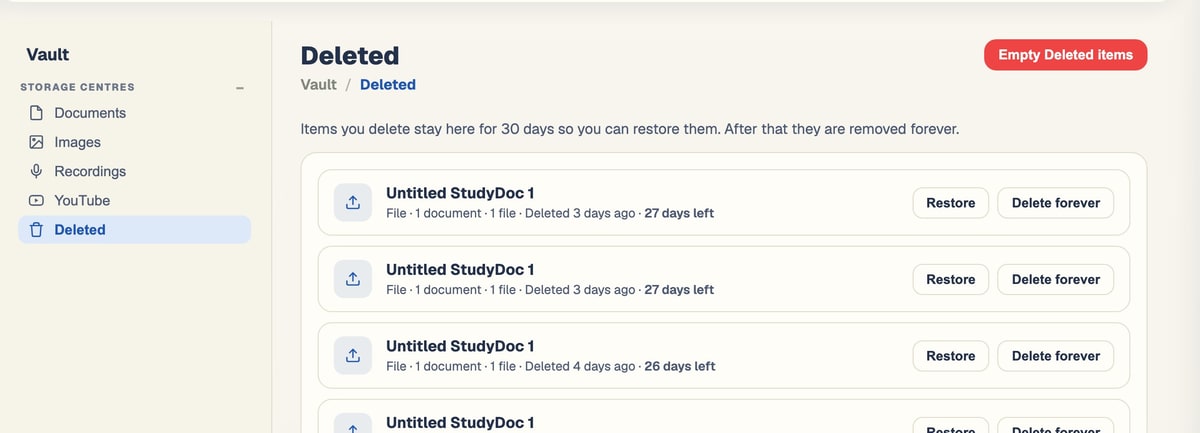
Deleted, not gone
Restore anything for 30 days, or delete it forever.
Diagrams that work harder
Figures pulled out of your uploads become a reusable image library, with AI tools to tidy and label them.
AI Enhance
Redraw a rough or photographed figure as a clean illustration.
AI Describe
Get a title and a one or two sentence description, and regenerate it if you like.
Reuse anywhere
Drop any image from your library into a Study Doc from the editor’s Insert tab.
Rename, pin, download
Keep your figures named, findable and yours.
Tell the Vault when your exam is
Set an exam date on a document and BrightStudy plans your revision around it.
Set an exam date
Add the date to any document in a folder.
Revision reshaped
Flashcards in that folder are rescheduled so every review lands before the exam.
Reminders
Exams in the next 14 days appear in your notifications.
One search bar, everything you have made
The search bar at the top of every page looks through your own material by name, and inside your documents too.
Private by default
Documents
- Uploads and Study Docs by name.
- Words inside your documents, so you can find a topic even if you forgot the file name.
Study sets
- Flashcard decks and MCQ sets by name.
Folders and images
- Folders, so you can jump straight to a module.
- Images in your library.
From upload to organised in five steps
Your Vault fills itself as you study.
- 1
Upload anything
Files, scans, recordings, YouTube or a stored original.
- 2
Filed automatically
BrightStudy suggests a folder, or you choose one.
- 3
Study material added
Study Docs, flashcards and MCQs sit next to the original.
- 4
Find it later
Browse centres and folders, or search everything.
- 5
Safety net
Deleted items wait 30 days before they go for good.
Questions, answered
Where your files live, how to organise them and how to get them back.
Try BrightStudy free and upload your first document, or email us at support@brightstudy.ai.
What can I keep in the Vault?
Can I keep a file without any AI processing?
Can I organise files into folders?
What happens when I delete something?
Can I download my original files?
How do exam dates work?
Is my Vault private?
Explore the rest of BrightStudy
Move across the strips · tap one to explore
 Progress AnalyticsTrack your study activity and performance.Learn more →
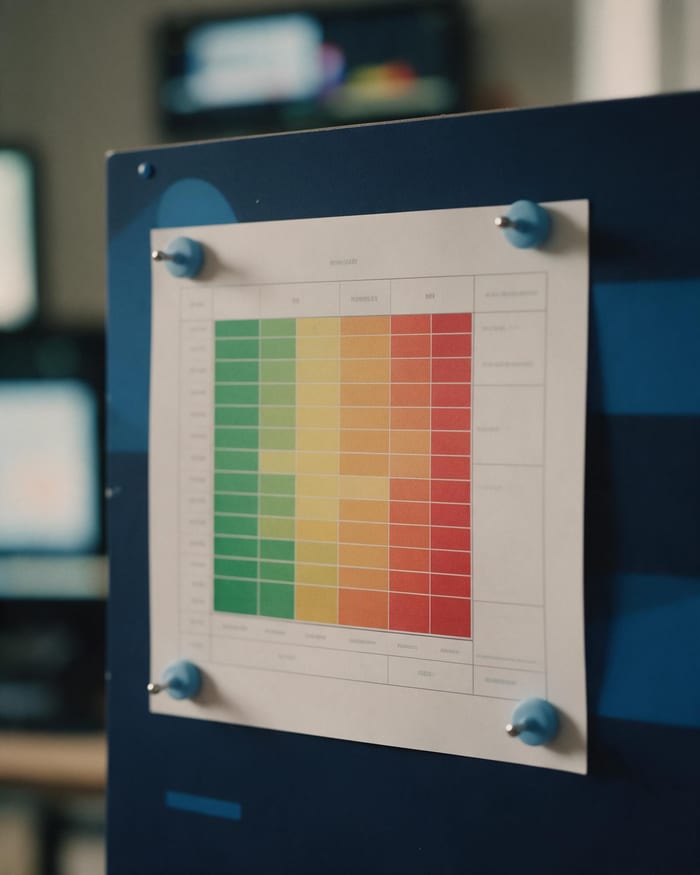 Topic AnalysisFind stronger topics and areas that need attention.Learn more →
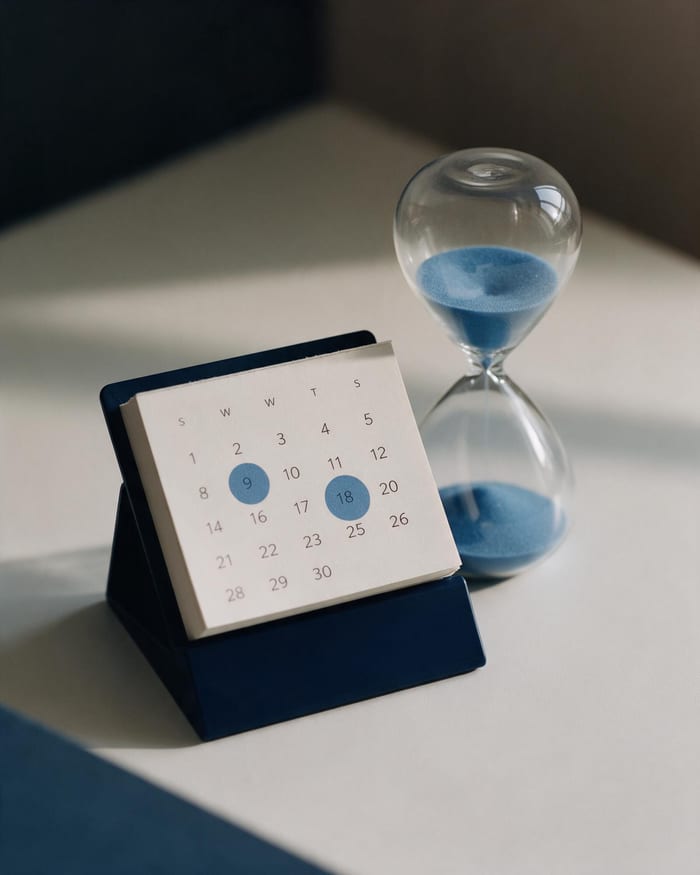 Study CalendarPlan revision, exams, deadlines and events.Learn more →
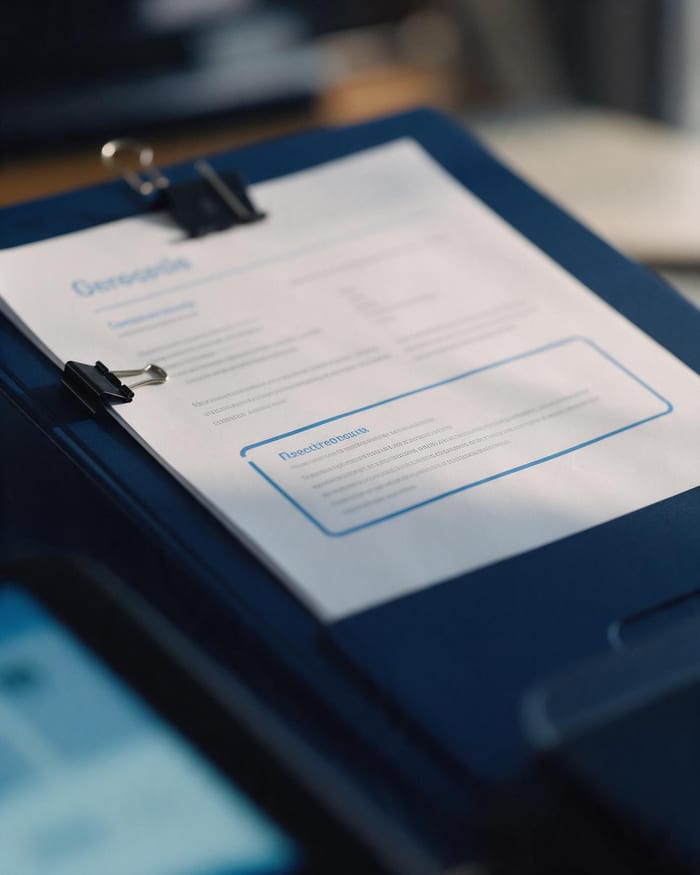 Study DocsStructured notes you can read, edit and study from.Learn more →
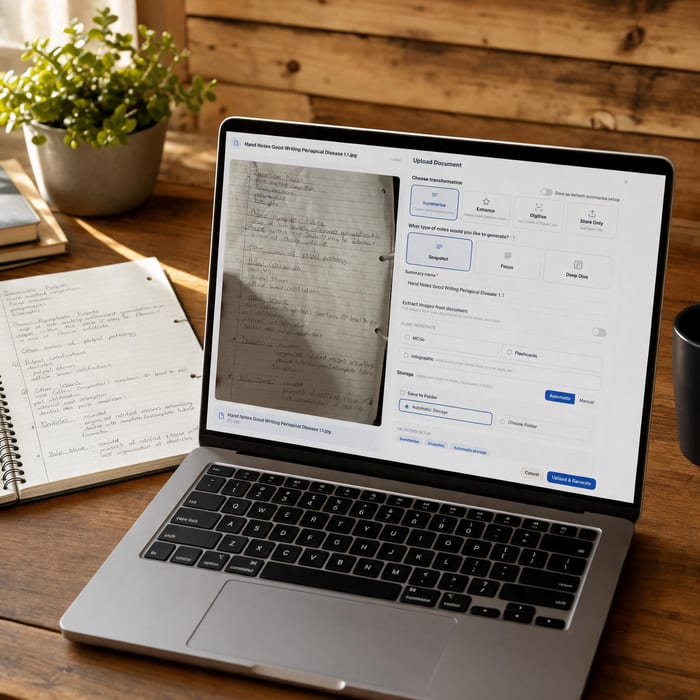 Document UploadsPDFs, slides and typed or handwritten notes.Learn more →
 YouTube LearningTurn video lessons into study materials.Learn more →
 RecordingsRecord or upload audio for your learning.Learn more →
Everything you study, in one place.
Bring your files together, keep them organised and never lose a note again.
- Free plan to get started
- Study Docs, flashcards and MCQs
- Runs in your browser