See exactly where you stand
BrightStudy tracks your learning as you study. See how much you have done, how well you know each topic and what needs attention next, without filling in a single spreadsheet.

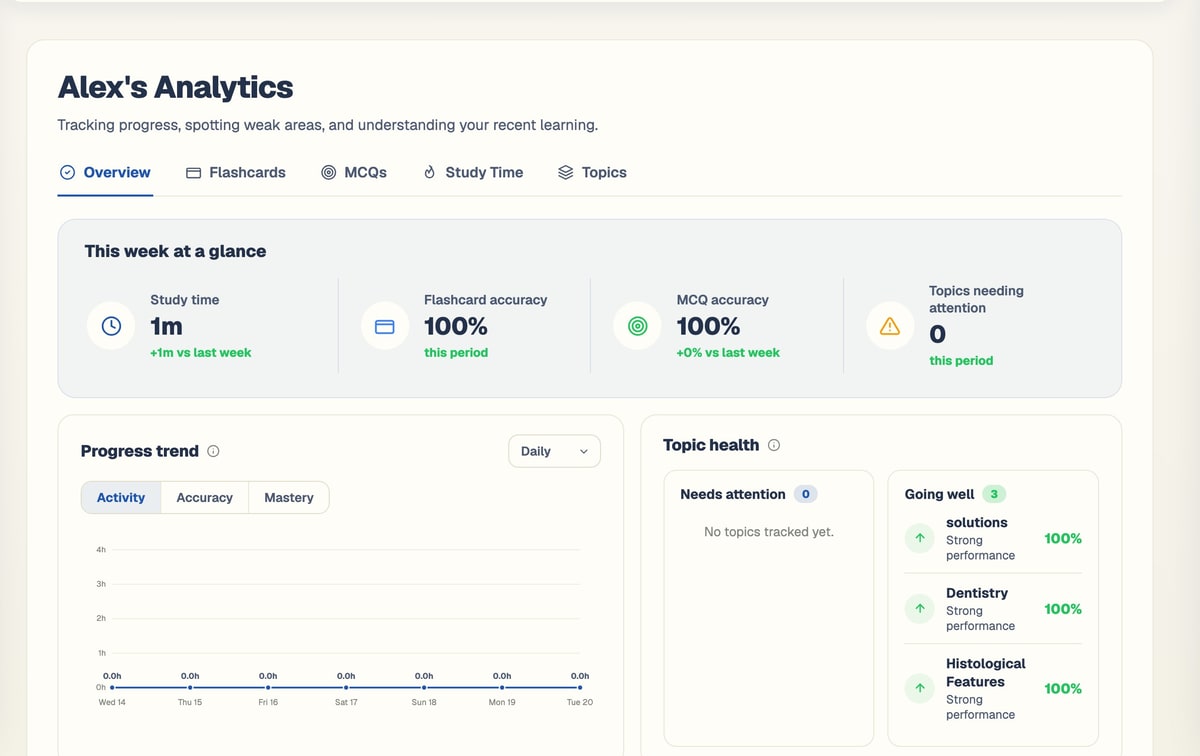
This week at a glance
Your week, in four numbers
The overview starts with what matters most this week, then shows how it compares with last week.
Study time
Active time across flashcards, MCQs and reading.
Flashcard accuracy
How often you recall cards correctly.
MCQ accuracy
How often you get practice questions right.
Topics needing attention
The topics where your results are slipping.
Recent changes
What went up or down compared with last week.
Every angle on your learning
Switch between views and time ranges to see your progress the way you need it.
Overview
This week at a glance, progress trends, topic health and study balance.
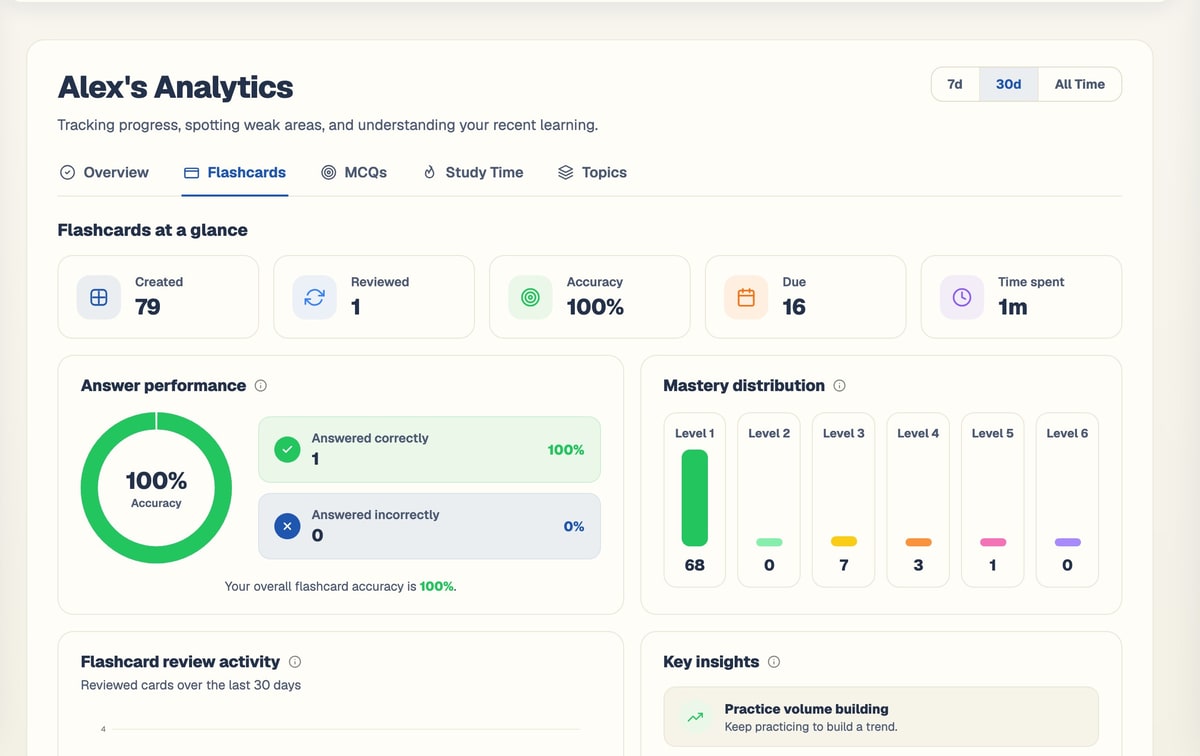
Flashcards
Reviews, accuracy, due cards and your mastery levels.
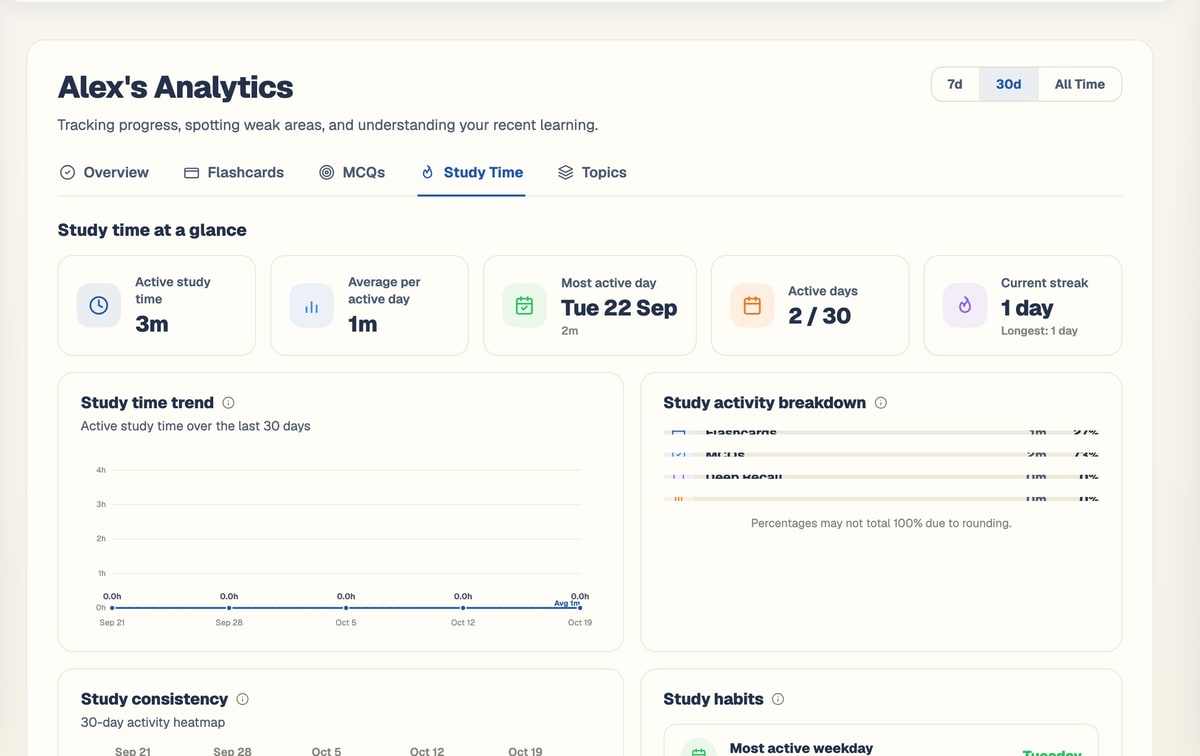
Study time
Active time, active days, your busiest day and streaks.
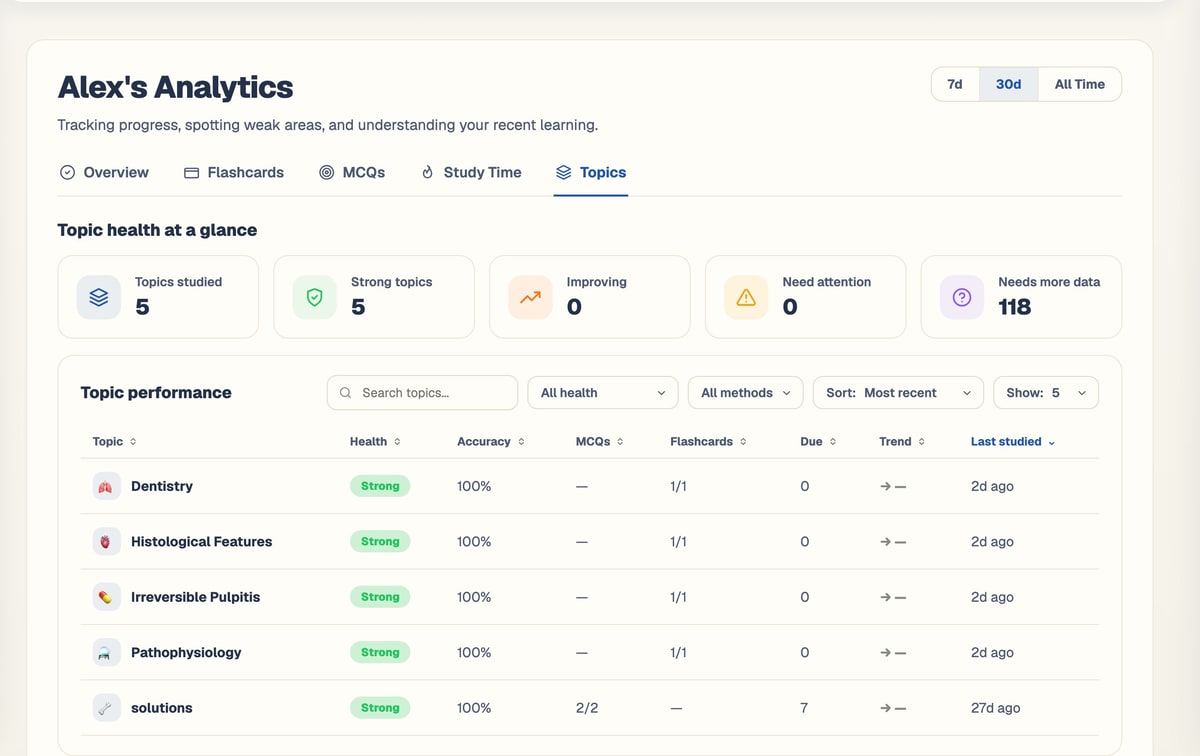
Topics
Every topic you have studied, with its strength and trend.
Know which topics need you most
Every topic you study gets a health band from your flashcard and MCQ results, so you know where to spend your next session.
Strong
90% or more. Keep it ticking over.
Going well
Solid results. A little more practice to make it strong.
Developing
Getting there. Worth a regular session.
Needs attention
Results are slipping. Make it a priority.
Critical
Under 45%. Start here.
What each view tracks
Pick 7 days, 30 days or all time, and the charts regroup by day, week or month.
Ranges
Flashcards
- Cards created and reviewed, accuracy, cards due and time spent.
- Answer performance and review activity over time.
- Mastery distribution across levels 1 to 6.
MCQs
- Questions created and answered, accuracy, due and time spent.
- First-attempt accuracy on new question versions, compared with repeat attempts.
- How many questions have been regenerated.
Study time
- Active study time and average per active day.
- Your most active day, active days and current and longest streak.
- Study time trend, consistency and habits.
An AI brief that plans your next session
Your dashboard opens with a short brief on what to study now, ranked by how urgent and how weak each area is.
Reads your situation
Topic readiness, your next ten events, and the flashcards and MCQs waiting.
Ranks what matters
Weighs urgency against weakness, so exams and weak topics come first.
Gives you 3 to 5 steps
A short, clear list of what to do next.
Stays up to date
The brief refreshes when your situation changes.
Small habits, big results
Your dashboard keeps you on track day to day, and the bell reminds you what is coming.
Streak
Choose it if
You want to study a little every day.
You get
A count of consecutive days with reviews, questions, reading or tests.
See how it works ↓Due counts
Choose it if
You open BrightStudy and want to start straight away.
You get
Flashcards and MCQs due today, right on your dashboard.
See how it works ↓Notifications
Choose it if
You do not want to miss an exam.
You get
Exams in the next 14 days, event reminders, cards due and new MCQs.
See how it works ↓Weekly goal
Choose it if
You plan your study by the week.
You get
Practice minutes since Monday against a goal you set, 4 hours by default.
See how it works ↓Start every session in the right place
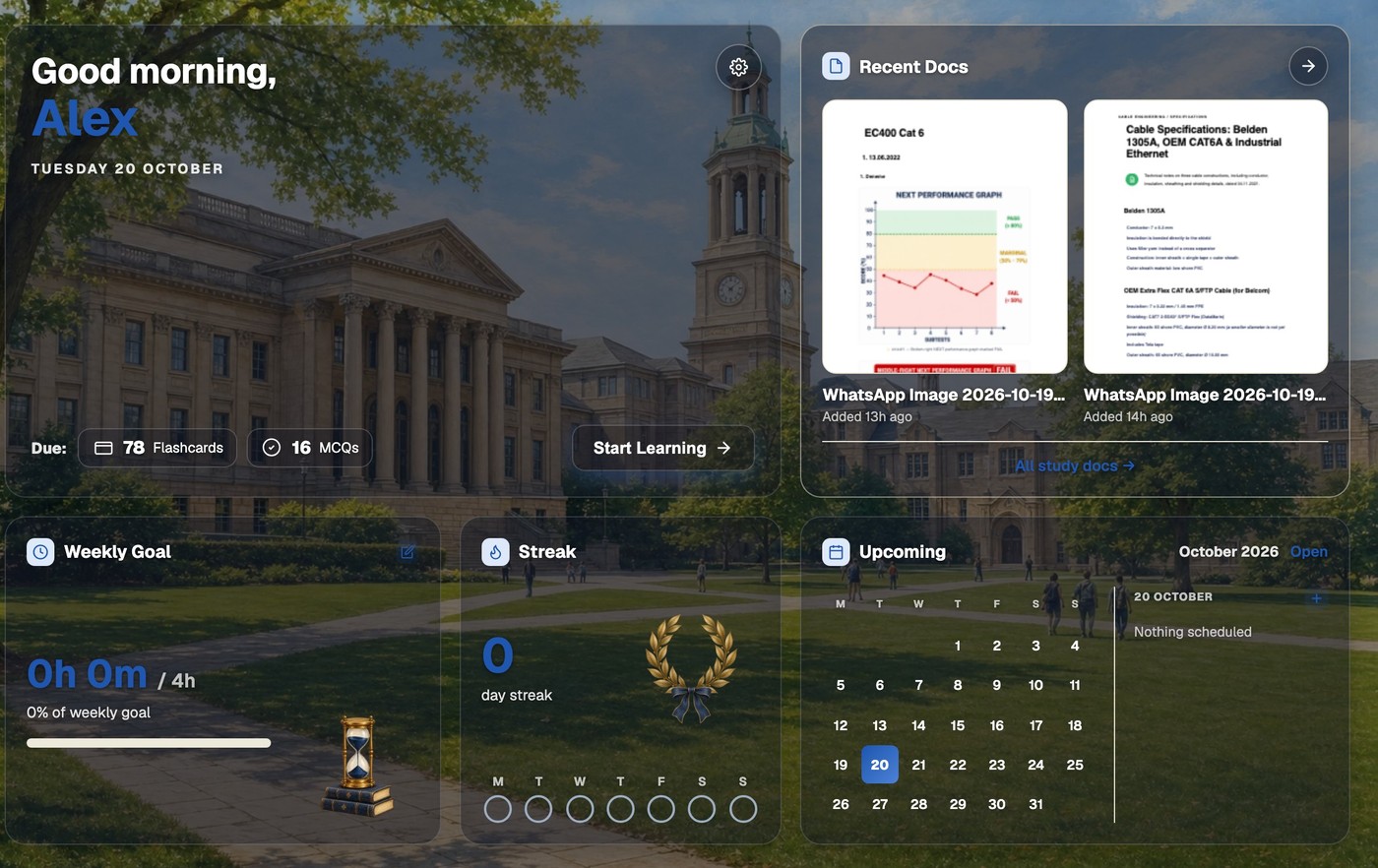
Your dashboard shows what is due, your weekly goal and streak, your recent Study Docs and what is coming up in your calendar, all in the theme you chose. Reading counts too: in reading mode, Mark as read unlocks when you reach the end and records your reading time.
Progress that tracks itself
There is nothing to log. Just study, and your progress builds up.
- 1
Study as normal
Review flashcards, practise MCQs and read your Study Docs.
- 2
Every answer counts
Results feed accuracy, mastery and topic health.
- 3
Topics take shape
Each topic gets a band from Strong to Critical.
- 4
See the trends
Charts by day, week or month across five views.
- 5
Know what is next
The AI brief turns it into a plan for today.
Questions, answered
What BrightStudy measures and how to read it.
Try BrightStudy free and upload your first document, or email us at support@brightstudy.ai.
What does BrightStudy track?
How is topic health worked out?
What is first-attempt accuracy?
How does the AI brief decide what I should study?
What counts towards my streak?
Can I set a weekly goal?
Is analytics included in the Free plan?
Explore the rest of BrightStudy
Move across the strips · tap one to explore
 VaultDocuments, images and recordings in folders.Learn more →
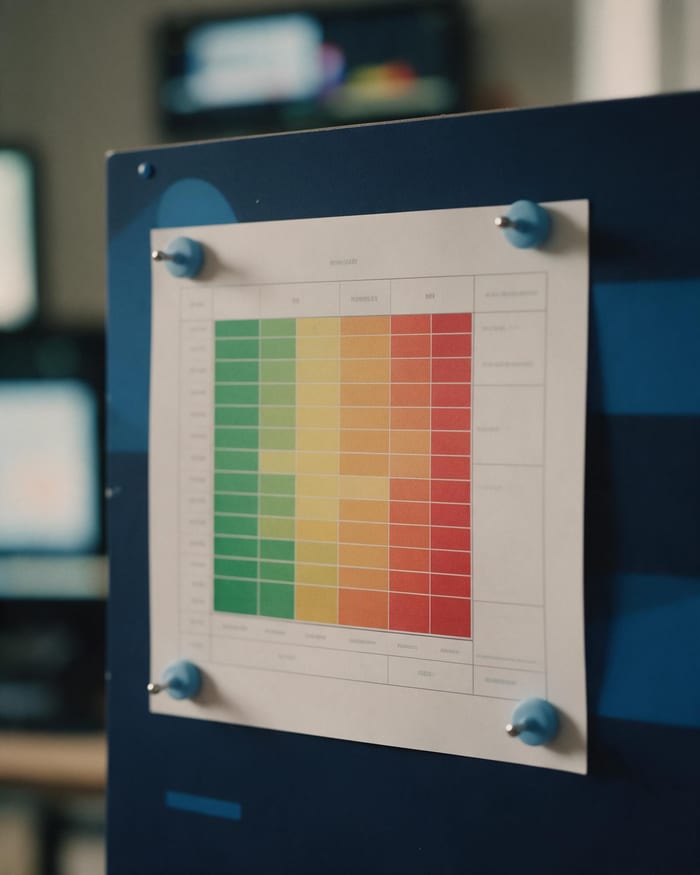 Topic AnalysisFind stronger topics and areas that need attention.Learn more →
 Study CalendarPlan revision, exams, deadlines and events.Learn more →
 Study DocsStructured notes you can read, edit and study from.Learn more →
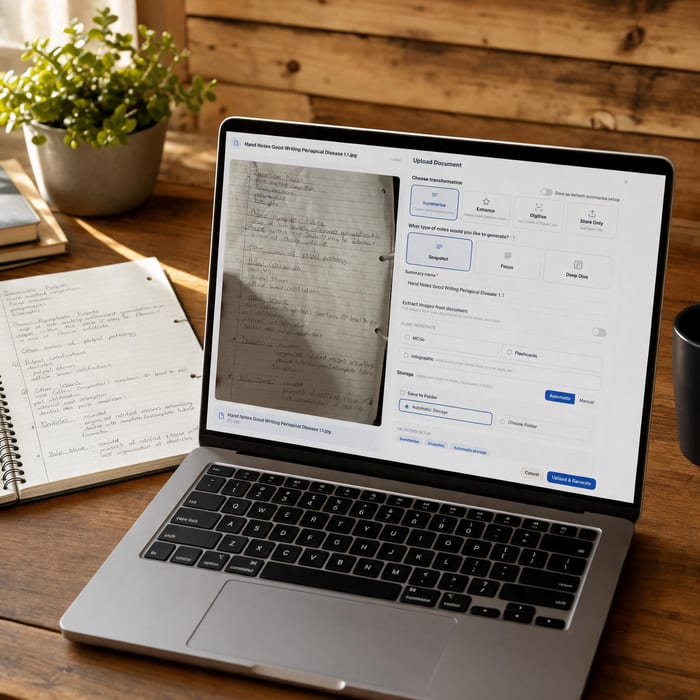 Document UploadsPDFs, slides and typed or handwritten notes.Learn more →
 YouTube LearningTurn video lessons into study materials.Learn more →
 RecordingsRecord or upload audio for your learning.Learn more →
See yourself getting better.
Study, and let BrightStudy show you what is working and what to do next.
- Free plan to get started
- Study Docs, flashcards and MCQs
- Runs in your browser