The same idea, asked a new way
Memorising an answer is not the same as understanding it. When you get a question right twice in a row, BrightStudy writes a fresh version that tests the same learning target with a new scenario, new data and new wrong options.

Why it matters
Recognising an answer is not knowing it
See the same question often enough and you start to remember the answer, not the reason. Adaptive questions stop that: once you have shown you know a question, it changes.
Same learning target
Every version tests the same idea, with the same four tags.
New scenario and data
The evidence, numbers or case change, so you have to reason it through again.
New wrong options
Fresh distractors, each with its own explanation.
The answer moves
The correct option lands in a different position.
Reviewed before it appears
Each new version is checked before it goes live, like every other question.
Watch a question evolve
Here is how one learning target could look across three versions. The idea stays put; the way it is asked does not.
Stays the same
Learning target
Explain how the length of the loop of Henle affects how concentrated urine can be.
Version 1
- A desert mammal produces very concentrated urine. Which feature of its kidneys best explains this?
- Answer: a longer loop of Henle relative to kidney size.
Version 2
- Two species have the same body mass. Species P has loops of Henle twice as long as species Q. What would you expect of species P’s urine?
- Answer: it can be more concentrated, because a steeper medullary gradient draws out more water.
Version 3
- A drug shortens the effective length of the loop of Henle. Which change in urine would you predict?
- Answer: larger volumes of more dilute urine, because the medullary gradient is weaker.
Earn the next version in four steps
It happens in the background while you practise, so the next time the question comes round it is new.
Answer correctly
Get the current version right.
Do it again
Two correct answers in a row complete a version. A wrong answer resets the count.
A new version is written
Same learning target and tags, new scenario, data, wrong options and answer position.
- Not just reworded
- Difficulty never jumps because of a streak
Brain number goes up
The question’s brain badge counts the versions you have worked through.
More than a rewording
A rename or a reshuffle is not enough. Each new version has to make you think again.
The scenario
A new case, context or example.
From a desert mammal to two species compared side by side.
The data
New numbers, results or evidence to read.
Loops “twice as long” instead of a description.
The direction
Reason forwards, backwards or predict an effect.
From “explain what you see” to “predict what happens”.
The wrong options
Fresh distractors, each explained.
New tempting mistakes, so you cannot pass by elimination.
Keep it fresh, or keep it the same
Each question has a regeneration control in the practice session, so you decide which questions keep evolving.
On
Choose it if
You want to prove you understand, not remember.
You get
A new version after two correct answers in a row.
See how it works ↓Repeat until correct
Choose it if
You want to master this exact question first.
You get
The same question returns until you get it right.
See how it works ↓Paused
Choose it if
You want to keep a question exactly as it is.
You get
No new versions for this question.
See how it works ↓Measure understanding, not memory
Progress tracks how you do the first time you meet a new version, which is a far better test of understanding than answering a familiar question again.
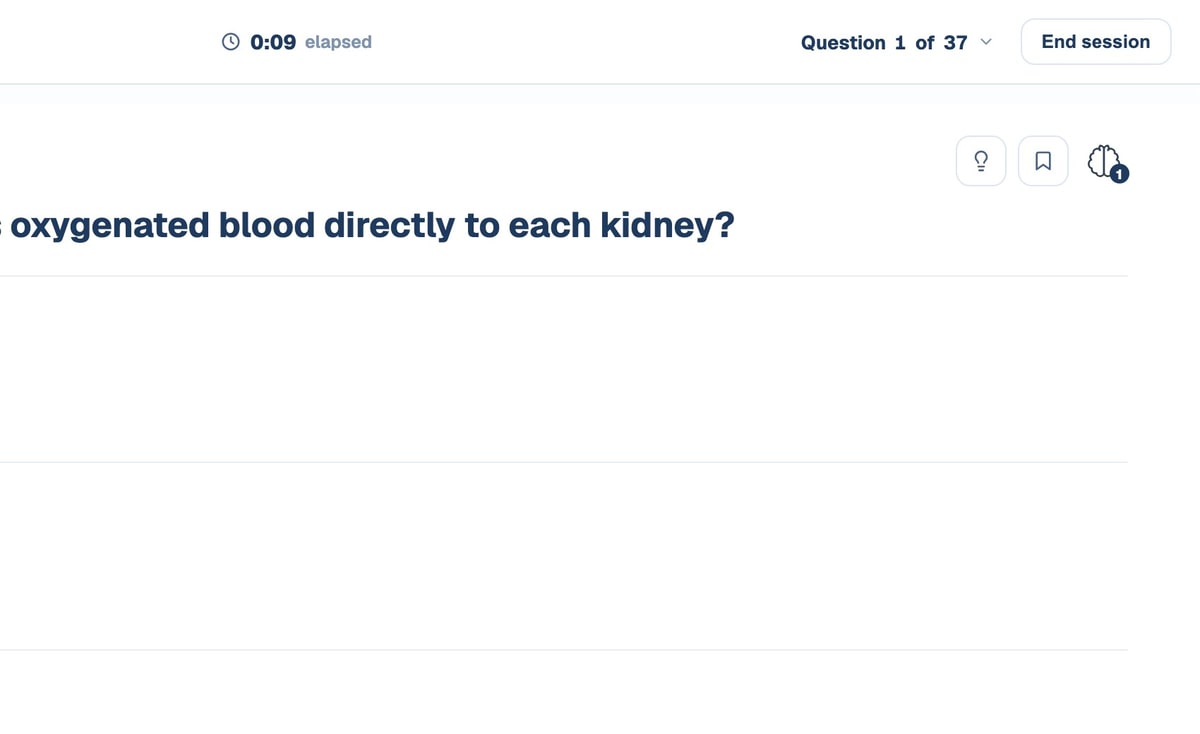
The brain badge
Every question shows its version count while you practise.
First-attempt accuracy
Analytics compares first attempts at new versions with repeat attempts.
Progress →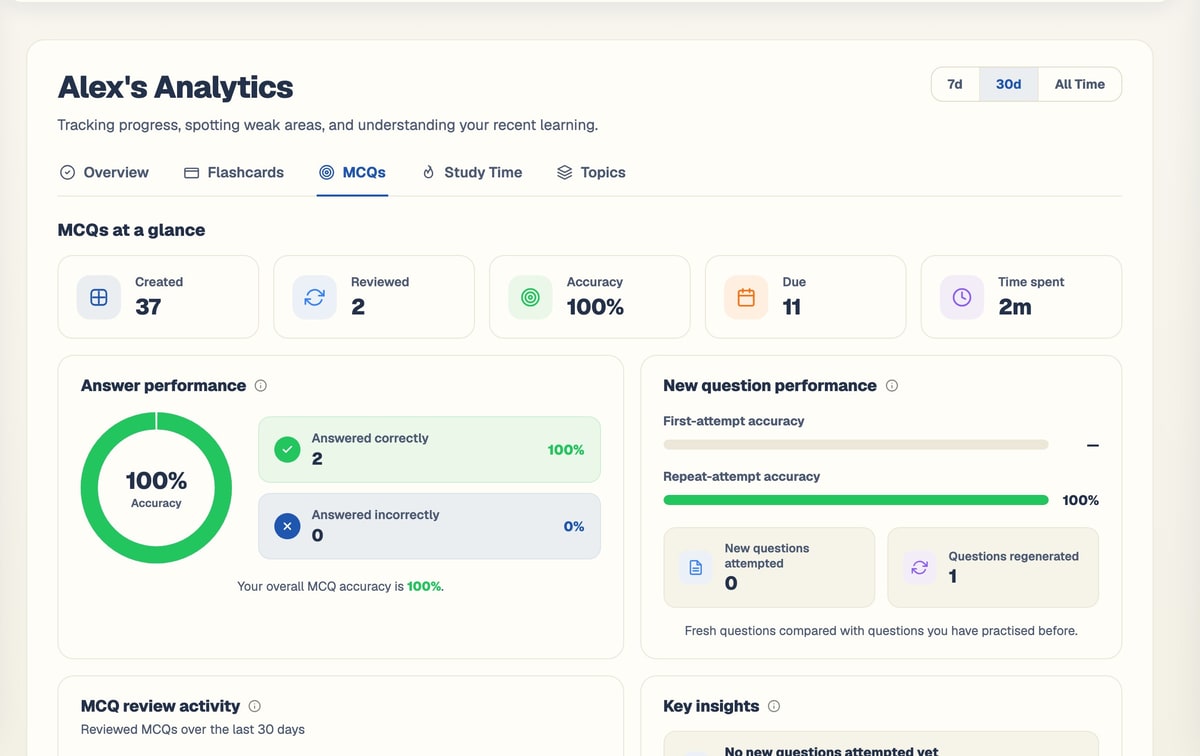
Every version on record
The MCQ editor shows earlier versions of each question under Previous Questions.
Exam practice →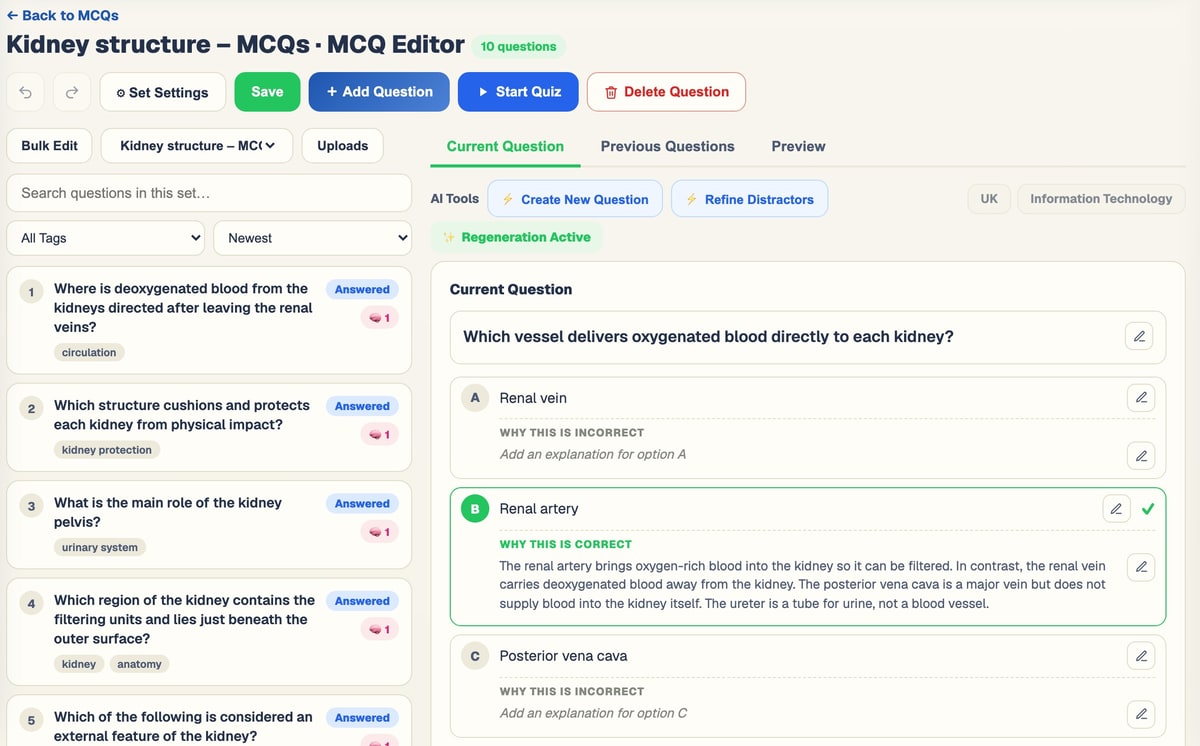
Due when it helps
New versions arrive on your spaced-repetition schedule.
Spaced repetition →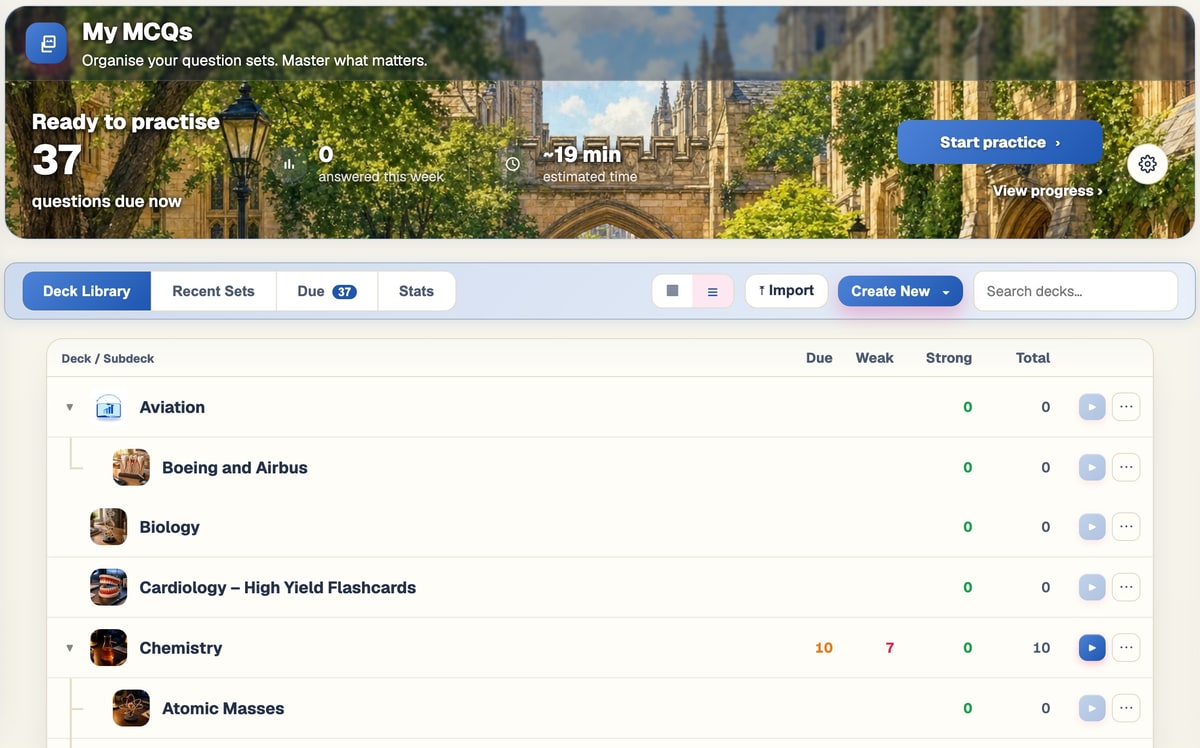
From your notes to real understanding
Adaptive questions start from your own material and grow with you.
- 1
Upload your notes
Slides, PDFs, handwritten pages, recordings or a YouTube lecture.
- 2
Tick MCQs
Questions are written for your level and exam.
- 3
Practise
Answer, use hints, read every explanation.
- 4
Earn new versions
Two correct in a row and a fresh version is written in the background.
- 5
See it in Progress
First-attempt accuracy shows what you really understand.
Questions, answered
How questions change as you learn, and how to control it.
Try BrightStudy free and upload your first document, or email us at support@brightstudy.ai.
When does a question change?
Does the question get harder?
What stays the same between versions?
What is the brain number?
Can I stop a question from changing?
Is every new version checked?
Which plans include adaptive questions?
Explore the rest of BrightStudy
Move across the strips · tap one to explore
 Study DocsStructured notes you can read, edit and study from.Learn more →
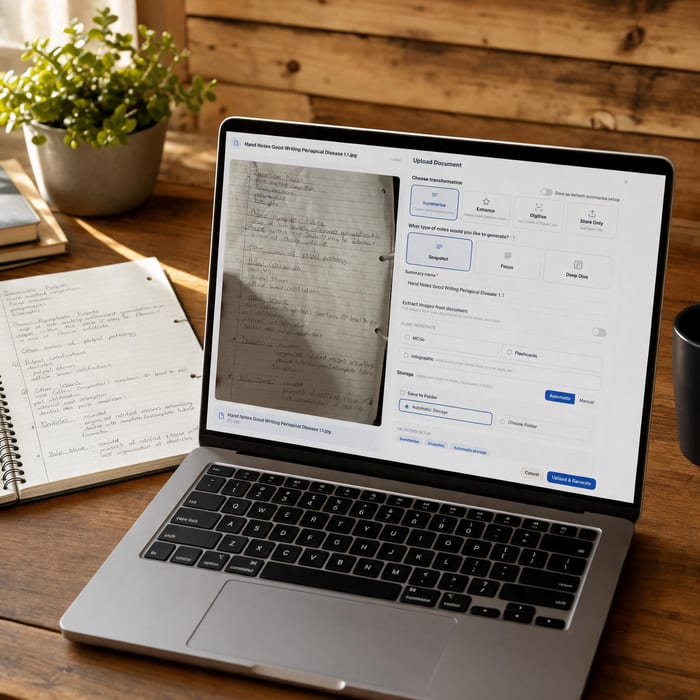 Document UploadsPDFs, slides and typed or handwritten notes.Learn more →
 YouTube LearningTurn video lessons into study materials.Learn more →
 RecordingsRecord or upload audio for your learning.Learn more →
 Image ExtractionBring the figures from your documents into your notes.Learn more →
 Manual CreationWrite your own notes, flashcards and MCQs.Learn more →
 FlashcardsActive recall with focused question-and-answer cards.Learn more →
Stop memorising answers.
Let every question you master come back as a new challenge on the same idea.
- Free plan to get started
- Study Docs, flashcards and MCQs
- Runs in your browser