Study resources, reviewed and ready
Browse notes, flashcards and practice questions by subject and topic, from official BrightStudy Study Sets to resources shared by other students. Preview anything, then add it to your Vault and study it your way.

What you will find
Notes, cards and questions, by subject
Every resource is organised by subject, course and topic, so you can find material for exactly what you are studying.
Study Docs
Structured notes you can read online or add to your Vault and edit.
Flashcard decks
Ready to study with spaced repetition.
MCQ sets
Single-best-answer questions with explanations.
Study Sets
A Study Doc with matching flashcards and MCQs, downloadable in one go.
Official resources
Made by BrightStudy from curriculum outlines, with cited sources.
Find it, keep it, share it
Hover a card to see how each part of the Library works.

01
Browse by subject
Explore curated collections, popular resources, subjects and topics, or search.

02
Study Sets
A Study Doc with its flashcards and MCQs, all on one page.

03
Save and download
Save resources to My Library and download them into your Vault to study.

04
Share your own
Publish your best notes, cards or questions to help other students.
Built for finding the right material
Curated collections up front, complete Study Sets one click away, and a simple way to share your own.
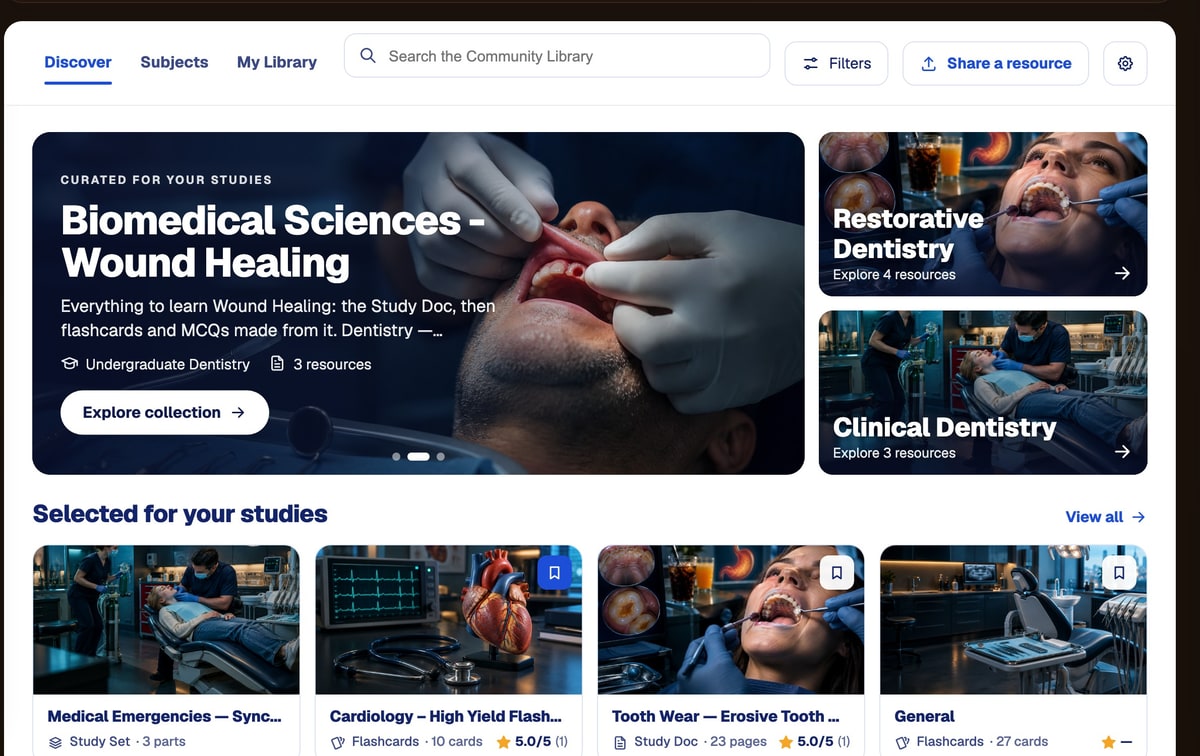
Discover
Curated collections and resources selected for your studies.
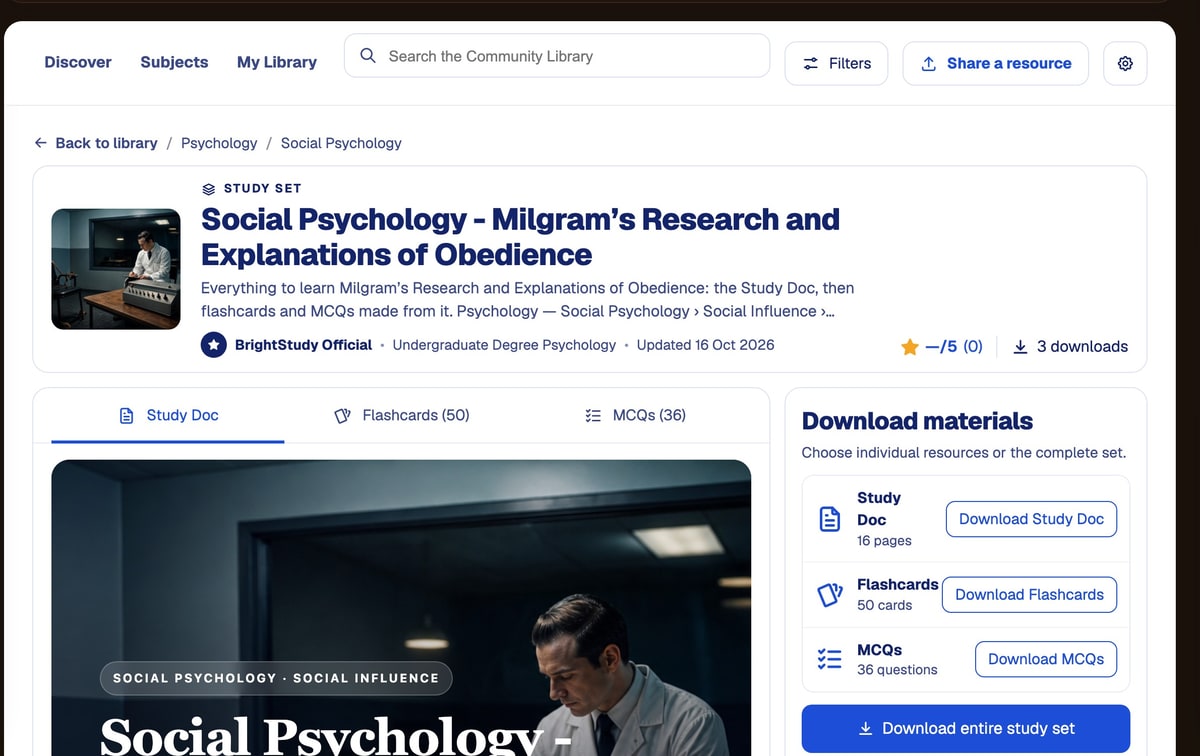
A complete Study Set
Read the Study Doc, preview the cards and questions, then download.
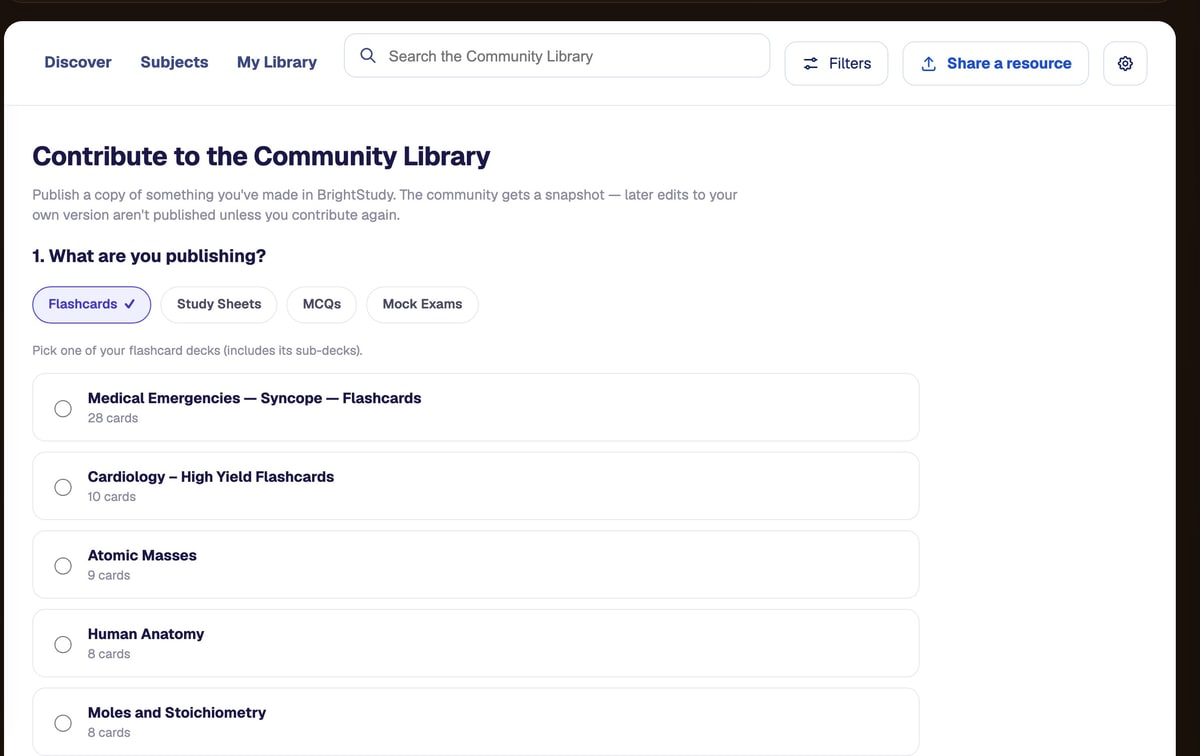
Share your work
Pick what to publish and add a description.
Straight into your Vault
Downloads land in your Vault as your own copies, ready to edit and study.
The Vault →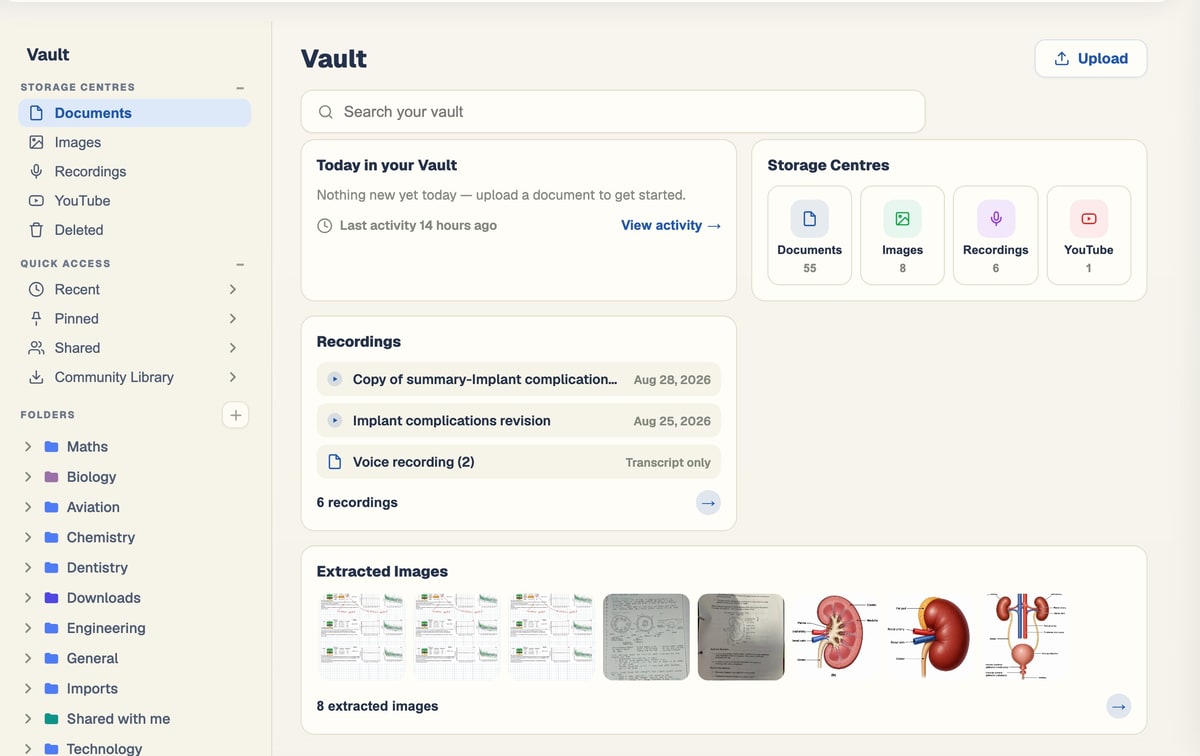
Nothing goes live without a review
Every resource shared by a student is checked automatically and then approved by a BrightStudy administrator.
Choose what to share
A Study Doc, flashcard deck or MCQ set from your own work.
Automatic checks
Size limits and content checks before anything moves on.
- Up to 50 pages
- Up to 1,000 flashcards
- Up to 500 MCQs
Safety check
An AI safety check flags anything that should not be shared.
Admin approval
A BrightStudy administrator approves every submission before it is published.
How official Study Sets are made
Resources marked BrightStudy Official are built from curriculum outlines and checked before they are published.
From the curriculum
Each Study Doc starts from a course outline for a real subject and level.
Sources cited
Docs cite their sources, and every cited link is checked.
Independently reviewed
A separate review checks each doc before it is published.
Cards and questions
Matching flashcards and MCQs are made from the doc and reviewed too.
Look before you join
Anyone can open a resource or Study Set page and see a preview. Members can browse the whole Library.
Visitors
Choose it if
You want to see what a resource looks like.
You get
Resource and Study Set pages with a preview: page 1 of a doc, 3 flashcards and 3 MCQs.
See how it works ↓Free plan
Choose it if
You want to browse and search the Library.
You get
The full Library to browse, with the same previews.
See how it works ↓Paid plans
Choose it if
You want every page and every question.
You get
Full resources, with nothing held back.
See how it works ↓From the Library to your revision
A resource becomes your own study material in a few clicks.
- 1
Find a resource
Browse collections, subjects and topics, or search.
- 2
Preview it
Read the first page and try a few cards and questions.
- 3
Save or download
Keep it in My Library or download it into your Vault.
- 4
Study it your way
Edit the doc, review the cards and practise the questions.
- 5
Rate it
Help other students find the best material.
Questions, answered
How resources are made, checked and shared.
Try BrightStudy free and upload your first document, or email us at support@brightstudy.ai.
What is in the Community Library?
Who checks the resources?
What are official resources?
Can I see resources without an account?
What happens when I download a resource?
Can I share my own notes?
Is my name shown when I share?
Explore the rest of BrightStudy
Move across the strips · tap one to explore
 Resource SharingShare Study Docs, flashcards and MCQs.Learn more →
 Friends & MessagingConnect with friends and keep study conversations together.Learn more →
 Study GroupsBring people and shared resources into a group space.Learn more →
 Study DocsStructured notes you can read, edit and study from.Learn more →
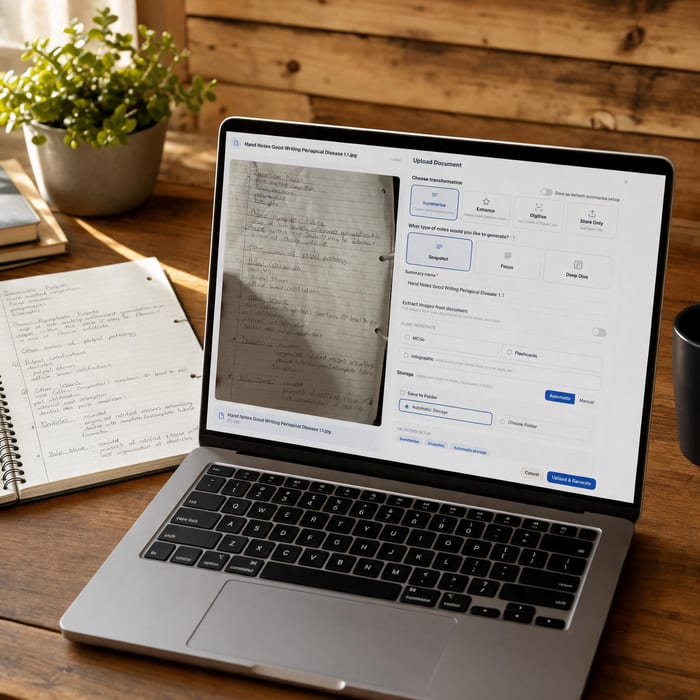 Document UploadsPDFs, slides and typed or handwritten notes.Learn more →
 YouTube LearningTurn video lessons into study materials.Learn more →
 RecordingsRecord or upload audio for your learning.Learn more →
Learn beyond your own notes.
Find reviewed resources for your subject, and share the ones you are proud of.
- Free plan to get started
- Study Docs, flashcards and MCQs
- Runs in your browser